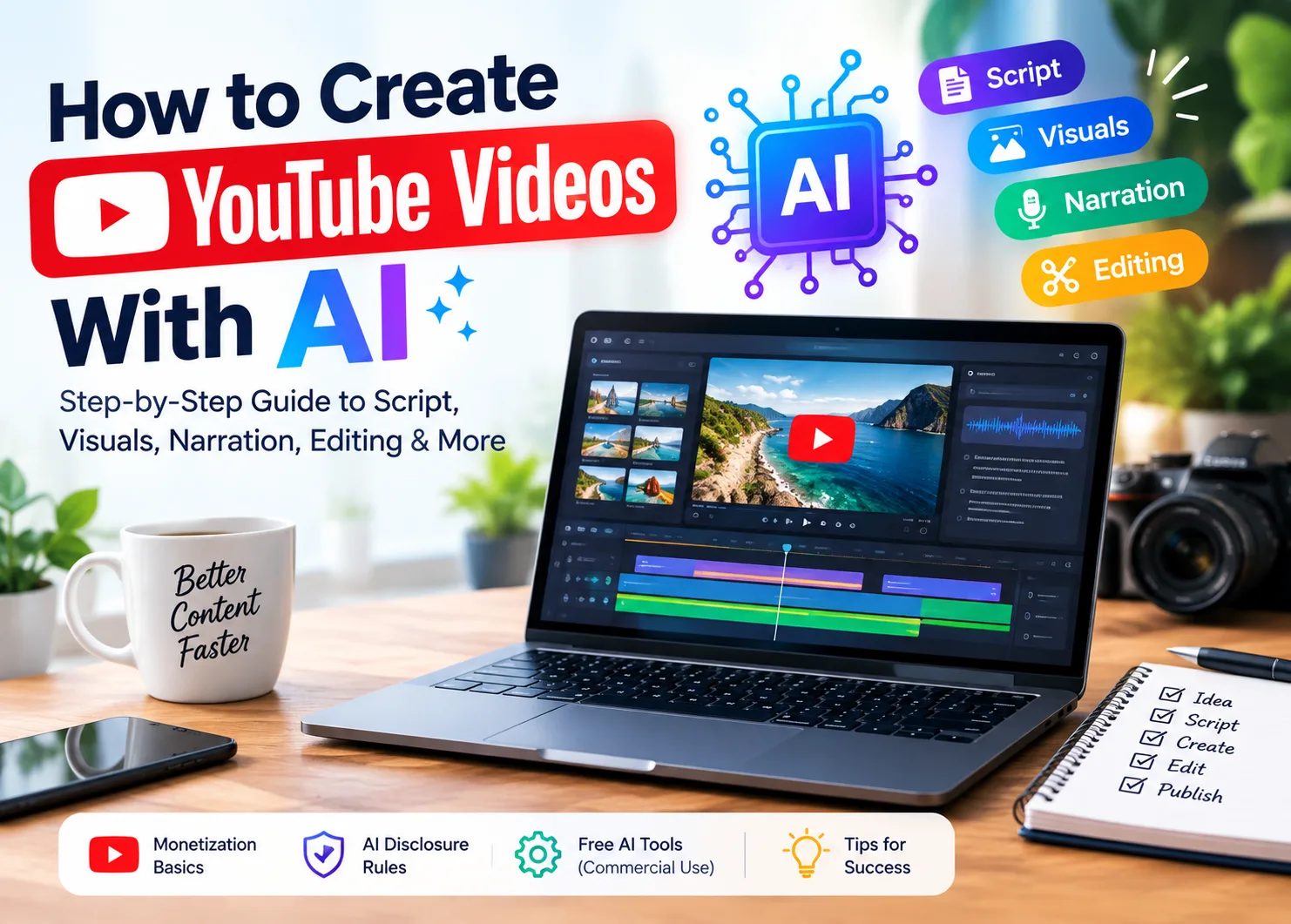
AI tools can help create YouTube videos with AI by handling scripts, visuals, captions, and other production tasks. YouTube still requires creators to provide original, useful value for monetization. Recent enforcement has targeted mass-produced and repetitive AI content rather than AI use itself. This guide covers the full workflow, monetization requirements, disclosure rules, and free tools for creating AI-assisted YouTube videos.
Part 1. How to Create YouTube Videos with AI Step By Step
Knowing how to create YouTube videos with AI starts with understanding the main creation stages. The steps below explain what AI handles and where your own input remains important.
Step 1. Choose your video topic and decide the main angle yourself before using any AI tool. Your own perspective helps make the finished video feel original and valuable to your audience.
Step 2. Use an AI assistant to draft your script, then rewrite the generated content yourself carefully. Improve the structure, remove unnecessary details, and add specific information from your own knowledge directly.
Step 3. Create visuals from your finished script using AI video tools, stock footage, or recordings. Match every visual carefully with the relevant script section to keep your video clearly connected.
Step 4. Record your own narration or choose a synthetic voice that fits your video style well. Keep the same narration style across uploads to help viewers recognize your channel voice easily later.
Step 5. Edit your footage carefully by adjusting pacing to remove unnecessary material before publishing. These editing choices add original work instead of simply joining generated clips together without changes.
Step 6. Open YouTube Studio and enable the altered or synthetic content disclosure before publishing your video. Use this disclosure when AI meaningfully creates or changes realistic visuals, voices, or other content.
What the Rules Actually Require
The final disclosure step matters because YouTube can act when creators ignore this requirement. YouTube says adding the disclosure does not reduce your video reach or affect your earnings. YouTube can add the label itself when you forget to disclose realistic AI-generated or changed content. Repeated failures can bring warnings, a 90-day suspension, and removal from the YouTube Partner Program entirely.
Disclosure Is Separate From Monetization
YouTube separately checks mass-produced videos, reused content without added value, and undisclosed realistic AI content. Using AI does not break these rules when your videos follow YouTube's content requirements.
YouTube checks your whole channel for monetization, including both regular videos and YouTube Shorts together. Channels need 1,000 subscribers and 4,000 watch hours, or 10 million Shorts views within 90 days.
Part 2. Different Ways to Create YouTube Videos with AI
You can create a YouTube video with AI using different methods based on your needs. The 3 approaches below use AI differently and require different levels of your own input.
Script to Video
Script-to-video tools turn finished scripts into videos with generated scenes, characters, narration, and visuals. MagicLight AI supports story-to-video using scripts containing up to 12,000 characters at once. It can generate videos up to 50 minutes, making longer stories and explainers easier.
MagicLight AI turns scripts into videos and works well for shorter marketing content and presentations. This method works especially well for explainers, stories, educational videos, and other script-based YouTube content. However, it works less effectively when your video mainly depends on footage you already recorded.
Faceless Channels
Faceless videos combine original scripts with generated visuals, stock footage, and synthetic voice narration. Creators can create faceless YouTube videos with AI using script-to-video platforms or text-to-speech tools. Original scripts, thoughtful editing, and varied uploads help keep faceless content useful instead of repetitive.
YouTube reviews the whole channel, so repeated templated uploads can create problems for channel monetization. MagicLight AI supports 14 story models, including DeepSeek V4, GPT-6 Astra, and other available models. Creators can also create realistic characters with MagicLight AI and use them throughout their faceless videos. Before publishing, reviewing AI-generated content can also help creators identify repetitive sections, improve accuracy, and use a youtube dislike viewer to better understand audience reactions and make the final video feel more original.
AI-Assisted Editing
This approach works best when you already have footage and need help editing it. Tools like CapCut and VEED can trim clips and adjust video framing. You can also translate spoken audio to make your videos easier for wider audiences.
This approach usually carries lower policy risk because creators provide the original footage themselves for editing. Basic editing tasks usually avoid disclosure because they do not create realistic events that never happened. Captions, reframing, and translation simply change how your existing video content appears to different viewers. For creators who want more control over existing footage, AI video editing tools can also speed up tasks such as trimming, formatting, captions, and other post-production work.
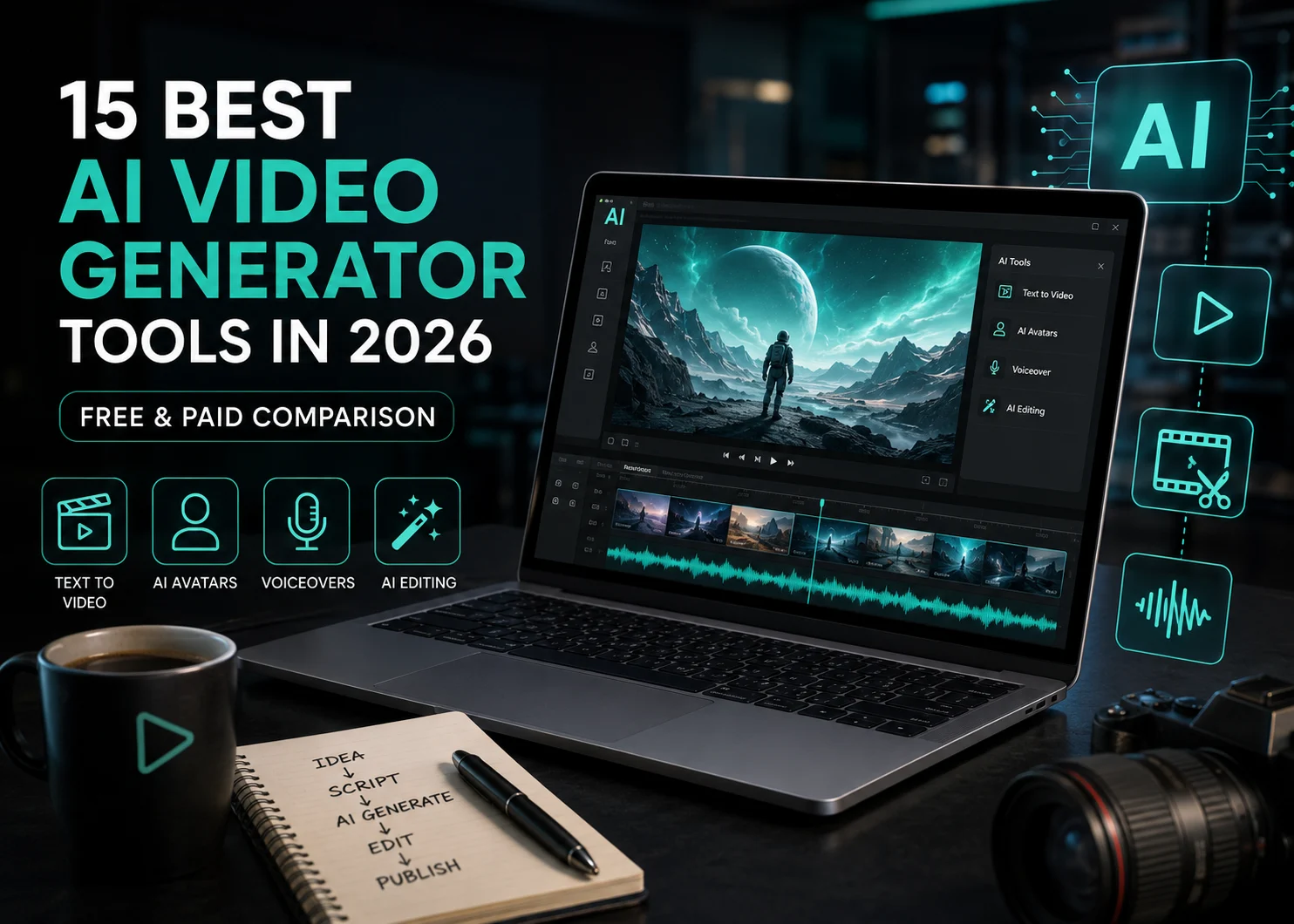
You can create YouTube videos with AI for free using several tools available. However, free plans may limit commercial use once your YouTube channel starts earning money. The table below compares free AI video tools, their features, limitations, and commercial use options:
Tool | Free Tier & Commercial Use | Video Length | Workflow | Best For |
MagicLight AI | Free plan available; commercial use on paid plans | Up to 50 minutes | Script to video with voices, captions, and characters | Complete YouTube videos |
Veo via Gemini | Limited access; commercial use subject to Google terms | Short clips | Prompt based scene generation | Cinematic AI clips |
Vidu | Free credits available; free outputs have commercial restrictions | Short clips | Text, image, and reference to video | Creative animations |
Canva | Free tier available; commercial use depends on assets and terms | Short generated clips | AI clips inside Canva editor | Simple marketing videos |
CapCut | Free tools available; commercial rights depend on selected assets | Mainly short AI clips | AI generation plus full video editing | Social and edited videos |
Generation tools often require paid plans before creators can use their videos for commercial purposes. Editing tools usually offer more options for channels that already earn money from their content. Watermarks are another important limit to check before choosing any free AI video creation tool. A visible logo may work for testing but looks unsuitable for growing a professional channel.
Conclusion
To conclude, creators can create YouTube videos with AI while still providing clear original value. You can generate storytelling YouTube videos while rewriting scripts, varying formats, and adding original ideas. Always disclose realistic synthetic content and check commercial rights before publishing videos intended for monetization. For script-to-video creation, MagicLight AI helps transform original scripts into complete videos for YouTube channels.
Read More Blogs On