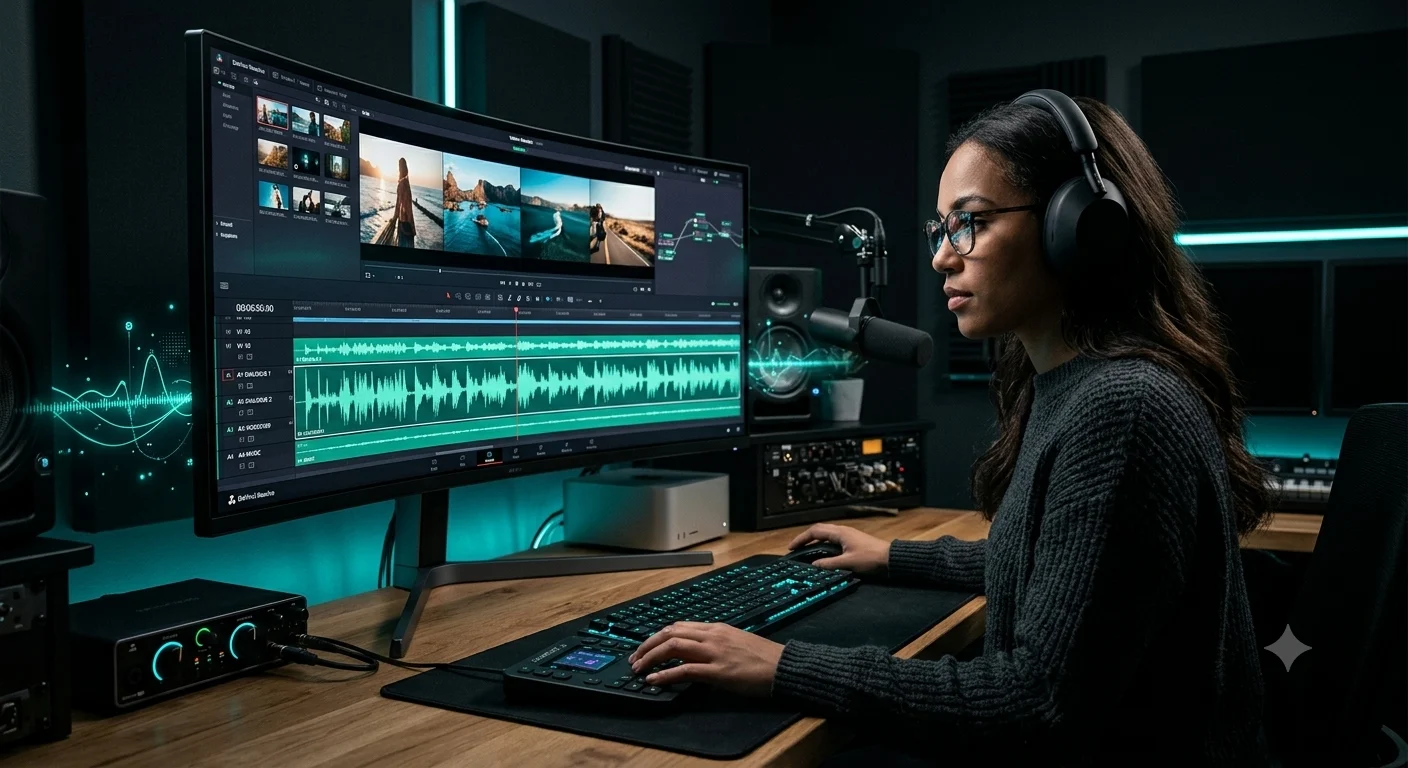
A single video, a YouTube upload, a corporate explainer, a marketing piece, has a lower bar for audio consistency than a feature film, but it's a bar almost every creator still misses somewhere: a voice that sounds slightly different after a re-recorded pickup line, an intro that's noticeably louder than the outro, a narration take that drifts in tone by minute six. This list covers ten tools built around solving that specific, common problem within one video project, not a multi-episode series or a narrative film's dialogue.
Comparison table
Tool | Best for | Consistency mechanism | Starting price |
invideo agent | Voice and audio generated and held consistent inside the same project as the video | Persistent context engine plus a Post & Finishing stage for voice, sound, and cross-language consistency | $17/month; team and enterprise options available |
ElevenLabs | The most stable voice clone across a long single-video runtime | Professional Voice Cloning trained to hold up over extended passages | $5/month |
Descript | Fixing a mistake mid-video without a new recording session | Overdub tied directly to transcript-based editing | $12/month (annual) |
Resemble AI | Sustained emotional consistency across a long narration | Speech-to-speech conversion preserving a full human performance | Pay-as-you-go from $0 |
Auphonic | Automatic loudness and level consistency from intro to outro | Adaptive Leveler plus loudness normalization to a platform target | Free tier; $11/month |
iZotope RX | Matching a re-recorded pickup line to the rest of the video's room tone | Dialogue Isolate and Ambience Match built for post-production | $49–1,199 (tiered) |
Adobe Podcast Enhance | Rescuing one noisy section so it matches the rest of a video | AI re-synthesis removing noise and reverb from speech | Free; $9.99/month |
WellSaid Labs | One licensed, exclusive voice that won't shift version to version | A proprietary voice built and licensed for a single organization | ~$50/month |
Murf AI | Consistent, professional delivery without a personal voice clone | 200+ pre-built voices with controlled pacing and pronunciation | $19/month (annual) |
Fish Audio | Budget-friendly consistent narration for a long single video | Zero-shot voice cloning from 10 seconds of reference audio | $11/month |
1. invideo agent
Most tools on this list fix or clone a voice after a video's audio already has a problem. invideo agent is built to avoid the problem in the first place, generating voice, sound, and the video itself inside one project rather than three separate passes that could each drift independently.
A persistent context engine, the same mechanism that holds characters and visual style consistent across a project, is what keeps a voice recognizable from the first scene to the last, and its Post & Finishing stage covers voiceover, voice cloning, and sound in the same place the video is generated. Because the platform routes each shot to whichever of its 200+ integrated models fits that particular moment, including Veo 3.1, Sora 2, Kling 3.0, Seedance 2.0, Runway, PixVerse, Hailuo, WAN, Recraft, GPT Image 2.0, and Nano Banana, the voice stays the throughline even as the visuals draw on different underlying models.
Best for: a single video where voice and sound need to be consistent from start to finish, generated as part of the same project rather than fixed afterward.
Where it falls short: a creator who just needs to clean up one already-recorded, problematic take may find a dedicated repair tool faster for that narrow job.
Pricing: plans start at $17/month, with team and enterprise options also available.
2. ElevenLabs
ElevenLabs' Professional Voice Cloning trains on longer samples specifically so a cloned voice holds up across an extended single video, rather than the faster Instant Voice Cloning mode, which can drift slightly on unusual phrasing over a long runtime.
Best for: the most stable, highest-fidelity voice clone for a long single video.
Where it falls short: Professional Voice Cloning sits behind the pricier Creator plan, and the credit system makes real monthly cost easy to underestimate.
Pricing: Starter plan from $5/month.
3. Descript
Descript's Overdub clones a creator's own voice so a mid-video mistake can be fixed by editing text rather than a full re-recording session, with the correction coming from the same trained voice model as the rest of the video.
Best for: fixing a specific mistake partway through a video without breaking voice consistency with a new session.
Where it falls short: voice consistency can vary across very long projects, and unlimited Overdub access requires the Creator plan.
Pricing: Hobbyist plan from $12/month (annual billing).
4. Resemble AI
Resemble's speech-to-speech engine converts a performance recorded in one voice into a different target voice in real time, preserving the pacing and emotional delivery of the original take, which matters for a longer video where flat, resynthesized narration tends to lose energy toward the end.
Best for: a long single video where emotional consistency matters as much as vocal timbre.
Where it falls short: pricing is metered per second of output, which makes total cost harder to estimate than a flat plan.
Pricing: Flex plan starts at $0, pay-as-you-go at $0.0005/second.
5. Auphonic
Auphonic automates level and loudness consistency across a single video's full runtime: its Adaptive Leveler balances volume automatically if an intro was recorded louder than an outro, and loudness normalization conforms the whole video to a consistent platform target like -14 LUFS for YouTube.
Best for: fixing volume inconsistency between different sections of the same video without manual mixing.
Where it falls short: the free tier covers only 2 hours of processing per month.
Pricing: free tier with 2 hours/month; paid plans from $11/month.
6. iZotope RX
When a line needs to be re-recorded after the fact, iZotope RX's Ambience Match analyzes the rest of the video's room tone and reverb, then applies that acoustic signature to the new pickup line so it blends rather than standing out as an obvious patch.
Best for: matching a re-recorded line to the room tone of the rest of the video.
Where it falls short: it's a professional desktop suite with real cost and a genuine learning curve.
Pricing: RX Elements from $49; Advanced around $1,199.
7. Adobe Podcast Enhance
Adobe's Enhance Speech re-synthesizes a noisy or poorly recorded section to sound studio-quality, rather than subtracting noise from the original signal, which is specifically useful for rescuing one bad section of an otherwise clean video.
Best for: quickly rescuing one noisy or poorly recorded section so it matches the rest of a video's quality.
Where it falls short: it handles single-track cleanup only, with no loudness normalization or multitrack leveling.
Pricing: free for up to 1 hour/day; $9.99/month unlocks 4 hours/day.
8. WellSaid Labs
A shared voice library carries a subtle risk: if a provider updates a voice model version mid-project, a long-running video's narrator can shift underneath a creator's control. WellSaid Labs avoids this by building one proprietary, exclusively licensed voice per client, so there's no shared model version to drift beneath a video in progress.
Best for: projects where version-level voice drift over time is a real concern, not just within one editing session.
Where it falls short: it's priced for enterprise budgets, with custom voice licensing adding significant cost to an annual contract.
Pricing: Creative plan from roughly $50/month.
9. Murf AI
Murf's 200+ pre-built voices deliver consistent, studio-quality pacing across an entire video since there's no personal clone model to gradually lose fidelity to a target voice, which suits projects where consistent delivery style matters more than a specific individual's voice.
Best for: e-learning and marketing videos needing consistent, professional delivery from a broad voice library.
Where it falls short: voice cloning itself is locked entirely behind the Enterprise tier.
Pricing: Creator plan from $19/month (annual billing).
10. Fish Audio
Fish Audio's S2 model clones a voice from just 10 seconds of reference audio and holds up across 80+ languages, with API pricing reported to run roughly 11 times cheaper than ElevenLabs' comparable tier, which matters for a budget-conscious creator narrating a long single video.
Best for: budget-conscious, consistent narration across a long video without ElevenLabs-level spend.
Where it falls short: the current S2 model removed LoRA fine-tuning support, and self-hosting requires 12–24GB of GPU VRAM.
Pricing: Plus plan from $11/month.
Which one should you use
- Voice and sound generated and held consistent inside the same video project → invideo agent
- The most stable voice clone for a long single video → ElevenLabs
- Fixing a mid-video mistake without breaking consistency → Descript
- Sustained emotional consistency in a long narration → Resemble AI
- Fixing volume inconsistency between sections of the same video → Auphonic
- Matching a re-recorded line to the rest of the video's room tone → iZotope RX
- Rescuing one noisy section to match the rest of the video → Adobe Podcast Enhance
- A licensed voice that won't drift across a long project timeline → WellSaid Labs
- Consistent delivery from a broad voice library, no cloning → Murf AI
- Budget-friendly consistent narration for a long video → Fish Audio