The present world is digitally inclined, and every day we are signing up to one or two platforms for our diverse needs; the only thing that creates a barrier between our data in the online world is the password. Before setting up a password, we tend to think a lot about the right and complicated ones that will not be easier to crack, but you can’t just shrug off the fact that the same world is also filled with potential hackers. Despite you setting the most difficult and not easy-to-crack passwords, there are always some loopholes.
While there is no way to ditch the everyday use of the internet and different online platforms for our diverse uses, there can be a way to protect our online data from being stolen or lost. You may act smart and set different passwords for different accounts, but remembering all of them is not always possible, and in the pool of passwords, some are forgotten, and some are changed; a password manager is the best tool to rely on. Well, it has existed among us for quite a time, but the rising threats of cyber fraud have made it evident in recent times.
If you are also thinking of getting one, we are sharing some essential key pointers to consider for utmost safety; but before that, let us briefly understand what a password manager is.
What is a Password Manager?
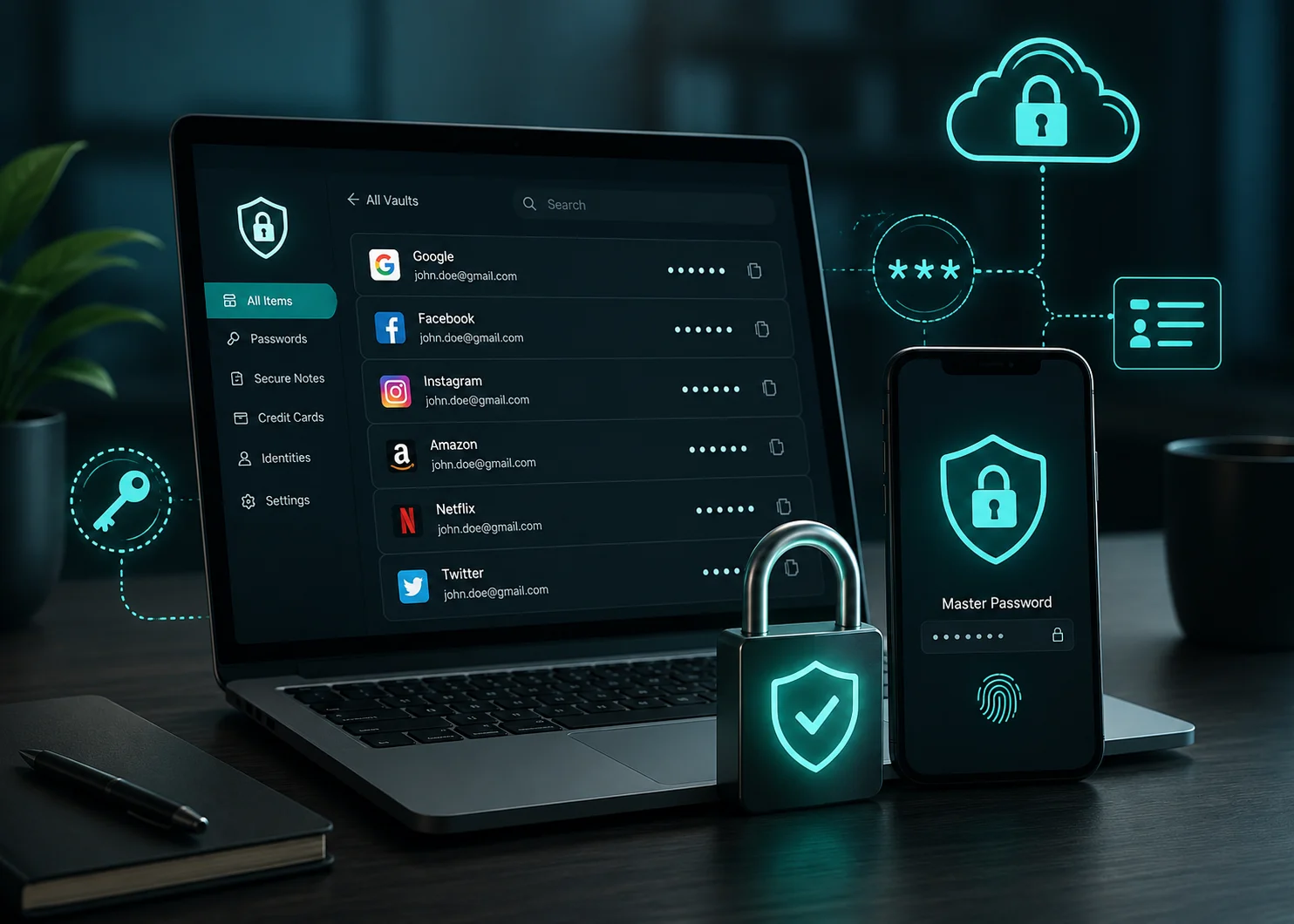
Most people have different passwords for different accounts and websites that can be a combination of random letters, numbers, and special characters, and are also difficult to remember each of them. There are indeed some people who keep an account of each of their passwords, but they often fail to update their data when they change them. A password manager will remember all your passwords for you, and they store your data in an encrypted manner, making it difficult to steal.
Though the motive is to manage your passwords safely, they differ in terms of how they work, like some password managers let you get your passwords by unlocking them in a specific way, and others may give you a unique OTP every time you try to log in to your accounts. Different password managers also differ based on features and other details, making it a tough call to choose one.
Pointers to Consider when Choosing a Password Manager
Now that you know how a password manager works, it is time to understand the pointers to make your decision about getting one. We will make it a little easier for you by sharing the important pointers with you:
Security
Let’s discuss the most important pointer, security. Whenever choosing a password, always prioritize one that offers end-to-end encryption and implement algorithms such as AES-256 to keep your passwords protected. When the data is encrypted, the information is stored in an unreadable format, making it impossible for a third person to get through them. After considering end-to-end encryption, also look for a password manager that offers a zero-knowledge policy, which means that your passwords are encrypted on your device and the provider can’t access or decrypt the data.
Password Generator
You may come up with a complex password once or twice, but thinking of relatively difficult passwords every time is not always possible, and many times you end up repeating the password, which is not at all a safe practice. To tackle this prevailing issue, always choose a password manager that is also a password generator, creating unique and complex passwords for every account. Also, generating a password doesn’t mean that the password manager will keep an account of all your passwords, putting you at risk.
A password manager will only be beneficial if it can remember all your passwords on all websites and applications you use, and this is pretty much the core of it. If the manager doesn’t remember them and forces you to enter your own passwords and credentials, what’s even the point of getting them? Another pointer you should consider is that it should be able to import your credentials from different browsers or other password managers, regardless of the operating system you are using, such as iOS, Android, macOS, and Windows.
Storage
Not just storing passwords, but the password manager can also be used to store other crucial information, but the concern should be what the storage option is. There are password managers that store your data on the device, but what if you lose the device? You will lose all your passwords with it as well. The safest option will be choosing a password manager that stores the data in the cloud and/or in an on-device vault. It should be able to sync passwords between your devices, and that can only be done when it is stored in the cloud or in an on-device vault.
Data Recovery and Backup
No matter how strong and reliable a password manager you have selected, everything is at potential risk when it is managed in the digital world. To safeguard yourself from the potential risk of losing data, always enquire about the data recovery and backup options like cloud storage, local backups, and encrypted device storage. Once you know that, despite losing your data, you can retrieve it, make your decision. For this, look for recovery and backup options offered by the password manager and to what extent it guarantees the same.
The digital times we are living in are uncertain, and despite everything you do, you can never be assured of not being a victim of data theft and online fraudulent activities. It is almost impossible not to sync everything digitally, and your passwords are the only thing that keeps your data from being stolen, but what if you forget them yourself? A password manager helps with this, but it is equally important to know about the crucial key considerations before choosing a reliable one because the market is getting flooded by diverse password manager providers.