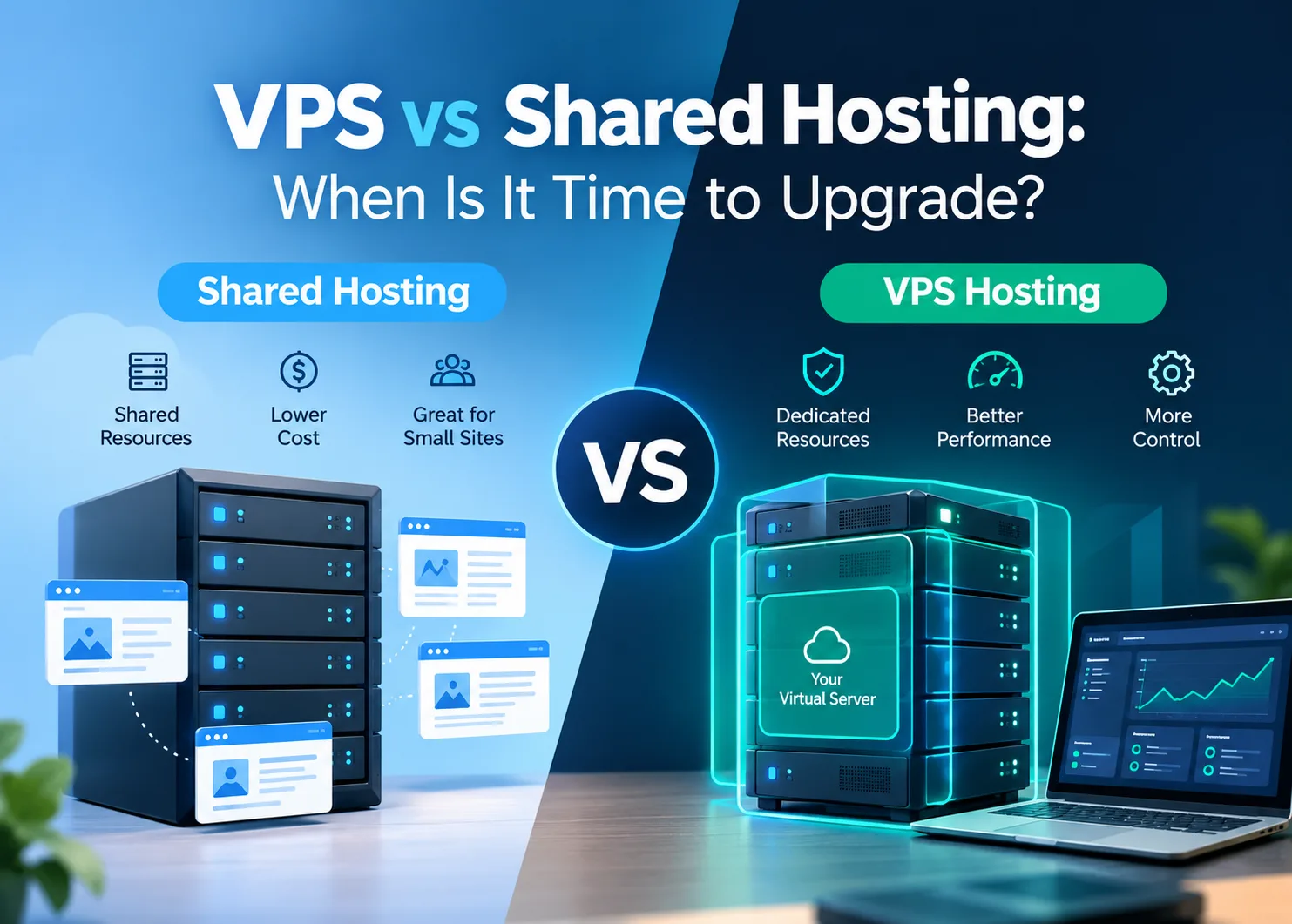
Slow sites and unexpected downtime often point back to the hosting environment, even if plugins or traffic spikes get the blame first. On shared hosting, every account on the server draws from the same pool of CPU and RAM, meaning a traffic surge from one site can affect every other account on that machine.
VPS servers give each site its own isolated environment with a dedicated resource allocation (a principle known as resource isolation), so other accounts on the same physical machine can't consume your CPU or RAM.
This guide covers how to recognize when shared hosting is the actual problem and what a VPS upgrade involves.
What's the Difference Between Shared Hosting and a VPS?
In shared hosting, the site you host is hosted along with hundreds of other sites on one single server, utilizing the same CPU and RAM resources.
If the other account on the server receives a sudden burst of traffic, chances are that your site could be affected as well, and this issue is referred to as the “noisy neighbor” problem.
A Virtual Private Server (VPS) uses the same hardware as the former, however it separates the server into different partitions that each have their own dedicated resources which cannot be utilized by other accounts, ensuring constant performance irrespective of what’s going on on the server.
The table given below highlights the differences between these two hosting plans based on the criteria that matter the most:
| | Shared hosting | VPS hosting |
Resources | Shared pool, varies by server load | Guaranteed allocation |
Performance | Good for low-to-moderate traffic | Consistent at any traffic level |
Root access | No | Yes |
Custom software | Limited to host's stack | Install what you need |
Management | Fully handled by host | Managed or self-managed |
Cost | ~$2–10/month | ~$20–100/month (managed) |
Best for | New sites, blogs, small businesses | Growing sites, apps, e-commerce |
Signs Your Site Has Outgrown Shared Hosting
Shared hosting suits young projects with little or no traffic that doesn't put any pressure on the servers used. As soon as a site starts to grow in traffic and complexity, the limitations of the shared environment become visible very fast.
The poor performance is the main indicator, but there can be others too. In case your website has been optimized, the caching turned on, images optimized, and plug-ins checked for problems, then it's obvious that the hosting environment is what holds you back. Other clear indicators are:
- Frequent instability or downtime during traffic peaks
- Resource usage warnings from your host
- Custom software requirements for specific PHP versions, background workers, or tools outside the host's supported stack
- E-commerce operations where checkout reliability and uptime have a direct revenue impact
- Development workflows that require staging environments with full server parity
Persistent server slowdowns and unreliable uptime can also create technical SEO problems, affecting how search engines crawl your pages and how visitors experience your website.
What You Actually Get With a VPS
Performance reliability is what counts most, and that is achieved because of allocation of resources which cannot be accessed by any other account from that server. Once a website has outgrown shared hosting, that performance reliability solves the problems of delay and unavailability which occur due to shared hosting.
Beyond stable performance, a VPS opens up capabilities that shared hosting doesn't offer:
- Freedom to install custom software, runtimes, and background services
- Stronger isolation between your data and other accounts sharing the hardware
- More reliable deployments for teams running staging environments or automated workflows
- Root-level control to configure the server environment as your setup requires
Is a VPS More Secure Than Shared Hosting?
Security is one area where the difference between the two hosting types is particularly concrete. On shared hosting, the server-level environment is shared, and a security breach on one account can create exposure for others on the same machine.
Cross-site scripting attacks and malware that spreads across accounts on the same server are real risks in shared environments. Most hosts implement standard protections, but the provider sets the security baseline and individual accounts have no way to configure beyond it.
A VPS changes the security picture in a few meaningful ways. The isolated environment contains any compromise to your own account, so vulnerabilities elsewhere on the physical server don't put your data at risk.
Root access lets you configure security at the server level on your own terms, setting up a custom firewall and managing SSL certificates without being constrained by a shared platform's defaults.
You also control which software runs on the server and can apply updates on your own schedule, which is significant given that outdated software is one of the most common entry points for server-level attacks. Sites handling customer data or payment transactions will find this level of control worth factoring into the upgrade decision alongside performance.
How Much RAM and CPU Does a VPS Need?
Choosing the right VPS plan mostly comes down to RAM, since it's the resource that determines how many processes your server can handle simultaneously before performance degrades. On database-heavy workloads and PHP-intensive applications, CPU becomes the deciding constraint.
A reasonable starting point depends on what the site does and how much traffic it handles.
- 2 GB RAM: a single small WordPress site, a low-traffic blog, or a basic business site with minimal plugins
- 4 GB RAM: a production WordPress site, a WooCommerce store with moderate order volume, or a web app with a small database
- 8 GB RAM or more: high-traffic sites, multiple sites on one server, or applications running memory-intensive services like Redis or Elasticsearch
Do not pick a plan that uses or approaches its RAM ceiling from the very beginning. A server that has some room to breathe processes traffic surges smoothly, while a server that constantly reaches its limits has to rely on disk-based swapping and becomes slower in response to the same load. 2.5 GB used out of 4 GB of available RAM will perform better than 2 GB fully used by the application.
Websites with many database calls or background processing operations usually consume CPU before they run out of memory. A simple WordPress blog with enabled caching might perform fine on just a single vCPU, while a WooCommerce website with concurrent payments will profit from multiple cores.
Disk space and bandwidth usage are easy to estimate. Comparing your current consumption to the limits offered by a certain plan will be sufficient to decide on whether a particular plan would be enough for storage needs.
When Shared Hosting Is Still the Right Call
A VPS costs significantly more than shared hosting, and paying that difference only makes sense when shared hosting is genuinely getting in the way. Shared hosting is still the right environment for sites that fit any of the following:
- Low and predictable traffic, such as a new site, a portfolio, or a blog with a few thousand monthly visitors
- No custom server configuration needed, where the site runs on a standard WordPress or CMS setup without specialized software
- A tight budget, where the $20–100/month difference is significant, and the site isn't generating enough revenue to justify it
Managed vs Unmanaged VPS: Which One to Choose?
An unmanaged VPS requires complete control and maintenance of the setup process and installation of security patches, as well as regular maintenance of the system. This option is cheaper and is recommended to developers who can maintain their own servers without the help of the service provider.
For a managed VPS, configuration and monitoring of the server will be performed by the hosting company. In terms of the effort needed to keep the server safe and updated, the cost difference is insignificant for most website owners.
What Does Moving to a VPS Actually Involve?
Usually, managed VPS hosting companies migrate through moving all of your files, databases, and emails and then performing testing on them prior to launch; almost all transitions occur without any downtime. After migration, regular website maintenance—including security updates, backups, and performance monitoring—helps keep the new server environment reliable. The steps usually involve the following:
- Choose a plan based on your current resource usage and expected growth
- Set up the VPS environment in parallel with your existing site
- Test the migrated site thoroughly before changing any DNS settings
- Update your DNS to point to the new server once everything checks out
- Monitor the first few days to catch anything that needs adjusting
Can You Scale a VPS as Your Site Grows?
Another advantage that is often overlooked is how easy it can be to scale a VPS vertically. Once resource constraints are met with shared hosting, one will need to move to another offering. In the case of a VPS, one can simply add more memory or more CPU cores right from the control panel. The ability to scale without needing to build the website anew or changing hosting providers makes beginning lean a viable option.
Final Thoughts
Shared hosting is perfect for the initial stages, and there are many websites that continue to host using this type for many years after. The justification for choosing a VPS grows in the situations where limitations keep reoccurring or the website needs more than a shared solution can offer. Upgrading to a VPS will mean that most websites will experience improved reliability, and traffic will no longer slow down their performance.
Read More Blogs On: