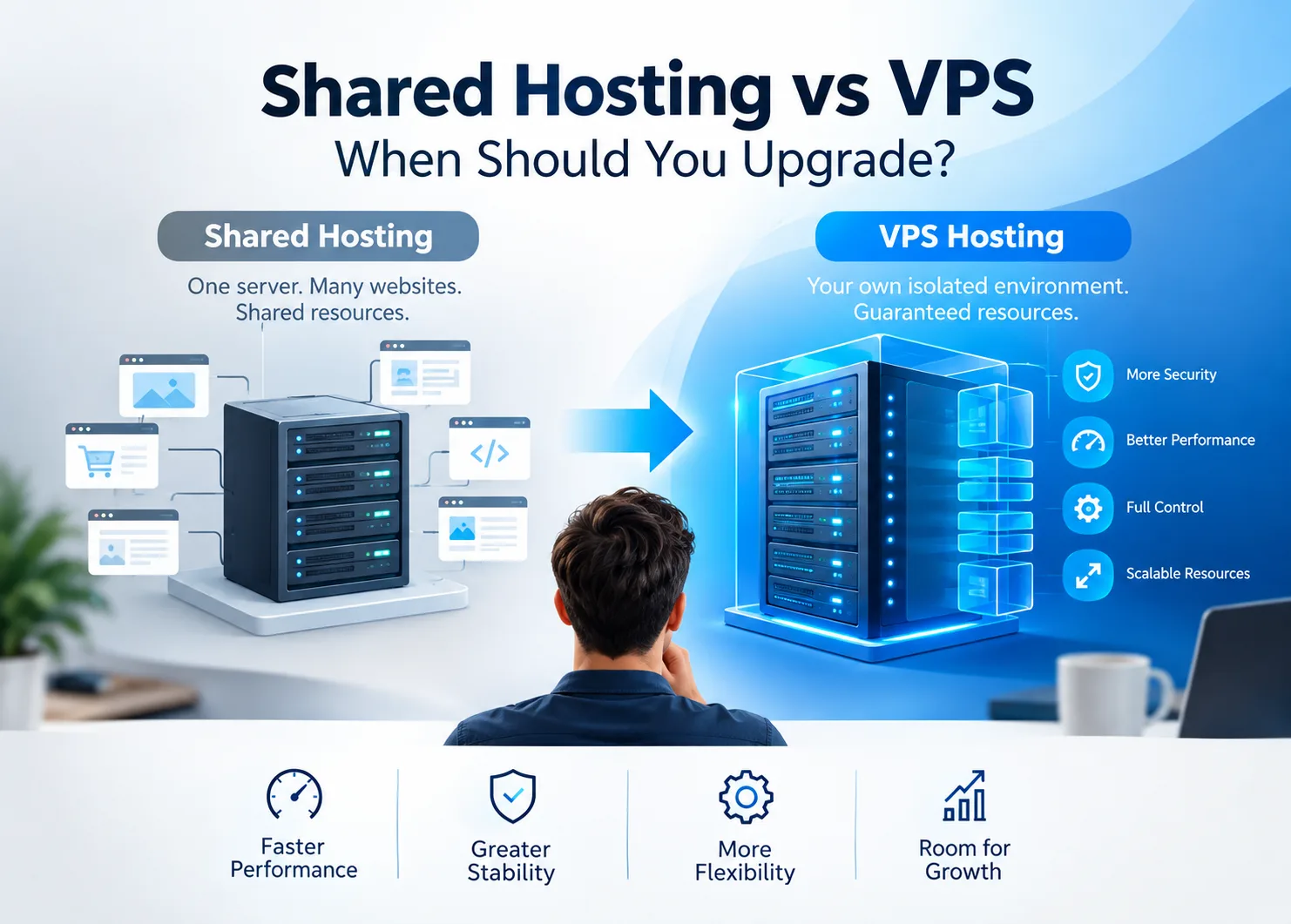
Slow sites and unexpected downtime often point back to the hosting environment, even if plugins or traffic spikes get the blame first. On shared hosting, every account on the server draws from the same pool of CPU and RAM, meaning a traffic surge from one site can affect every other account on that machine.
VPS servers give each site its own isolated environment with a dedicated resource allocation (a principle known as resource isolation), so other accounts on the same physical machine can't consume your CPU or RAM.
This guide covers how to recognize when shared hosting is the actual problem and what a VPS upgrade involves.
What's the Difference Between Shared Hosting and a VPS?
With shared hosting, your website runs on a server alongside dozens or hundreds of other sites, all drawing from the same pool of CPU and RAM. When another account on that server gets a traffic surge, yours can take the hit too, a problem commonly called the "noisy neighbor" effect.
A VPS (Virtual Private Server) runs on the same physical hardware, but software partitions it into isolated environments with a guaranteed resource allocation that other accounts can't consume, so performance holds regardless of what's happening elsewhere on the server.
The table below breaks down how the two compare across the factors most relevant to the upgrade decision:
| | Shared hosting | VPS hosting |
Resources | Shared pool, varies by server load | Guaranteed allocation |
Performance | Good for low-to-moderate traffic | Consistent at any traffic level |
Root access | No | Yes |
Custom software | Limited to host's stack | Install what you need |
Management | Fully handled by host | Managed or self-managed |
Cost | ~$2–10/month | ~$20–100/month (managed) |
Best for | New sites, blogs, small businesses | Growing sites, apps, e-commerce |
Signs Your Site Has Outgrown Shared Hosting
Shared hosting is well-suited to early-stage websites and low-traffic projects where server resources aren't under sustained pressure. Once a site starts growing in traffic, complexity, or technical requirements, the shared environment tends to show its limits fairly quickly.
Performance issues are the most common signal, but they're not the only one. If your site has already been through basic optimization, caching enabled, images compressed, plugins audited, and problems persist, the hosting environment itself is likely the limiting factor. Performance issues are the most common signal, but they're not the only one. If your site has already been through basic optimization, caching enabled, images compressed, plugins audited, and problems persist, the hosting environment itself is likely the limiting factor. Other clear signs include:
- Frequent instability or downtime during traffic peaks
- Resource usage warnings from your host
- Custom software requirements for specific PHP versions, background workers, or tools outside the host's supported stack
- E-commerce operations where checkout reliability and uptime have a direct revenue impact
- Development workflows that require staging environments with full server parity
What You Actually Get With a VPS
Performance consistency is the core benefit, and it comes from having allocated resources that other accounts on the server can't consume. Once a site has genuinely outgrown shared hosting, that reliability directly resolves the slowdowns and downtime that shared environments can't prevent under load.
Beyond stable performance, a VPS opens up capabilities that shared hosting doesn't offer:
- Freedom to install custom software, runtimes, and background services
- Stronger isolation between your data and other accounts sharing the hardware
- More reliable deployments for teams running staging environments or automated workflows
- Root-level control to configure the server environment as your setup requires
Managed vs Unmanaged VPS: Which One to Choose?
With an unmanaged VPS, you take on full responsibility for configuration, security patching, and ongoing maintenance. It costs less and suits developers or teams comfortable running a server without provider support.
A managed VPS puts configuration, monitoring, and maintenance in the hands of the host. For most site owners without a dedicated sysadmin, the price premium is modest relative to the time and risk involved in keeping a server secure and up to date.
What Does Moving to a VPS Actually Involve?
Managed VPS providers typically handle migrations by transferring files, databases, and email accounts and testing everything before the site goes live, and most switches cause no noticeable downtime. The steps usually follow this order:
- Choose a plan based on your current resource usage and expected growth
- Set up the VPS environment in parallel with your existing site
- Test the migrated site thoroughly before changing any DNS settings
- Update your DNS to point to the new server once everything checks out
- Monitor the first few days to catch anything that needs adjusting, particularly around performance, reliability, security, and other infrastructure risks.
Final Thoughts
Shared hosting covers the early period well, and plenty of sites run on it indefinitely without problems. The case for a VPS builds when resource limits become a recurring issue or when the site's technical requirements have genuinely outpaced what a shared environment can handle.
Most sites that upgrade find performance becomes reliable in a way it wasn't before. Traffic spikes stop causing slowdowns, and the hosting environment stops being something you have to plan around.