Almost all photo-editing tools offer background removal. The common trade-off is that they offer it for free (with no option for bulk editing) or hide the feature behind a paywall. So, the question becomes how good the output is and what these tools offer after the background is gone. Below are five of the best background removal tools we found that deliver high-quality results and integrate with your team's workflows. Find what works for your needs and give it a go.
Pixelcut
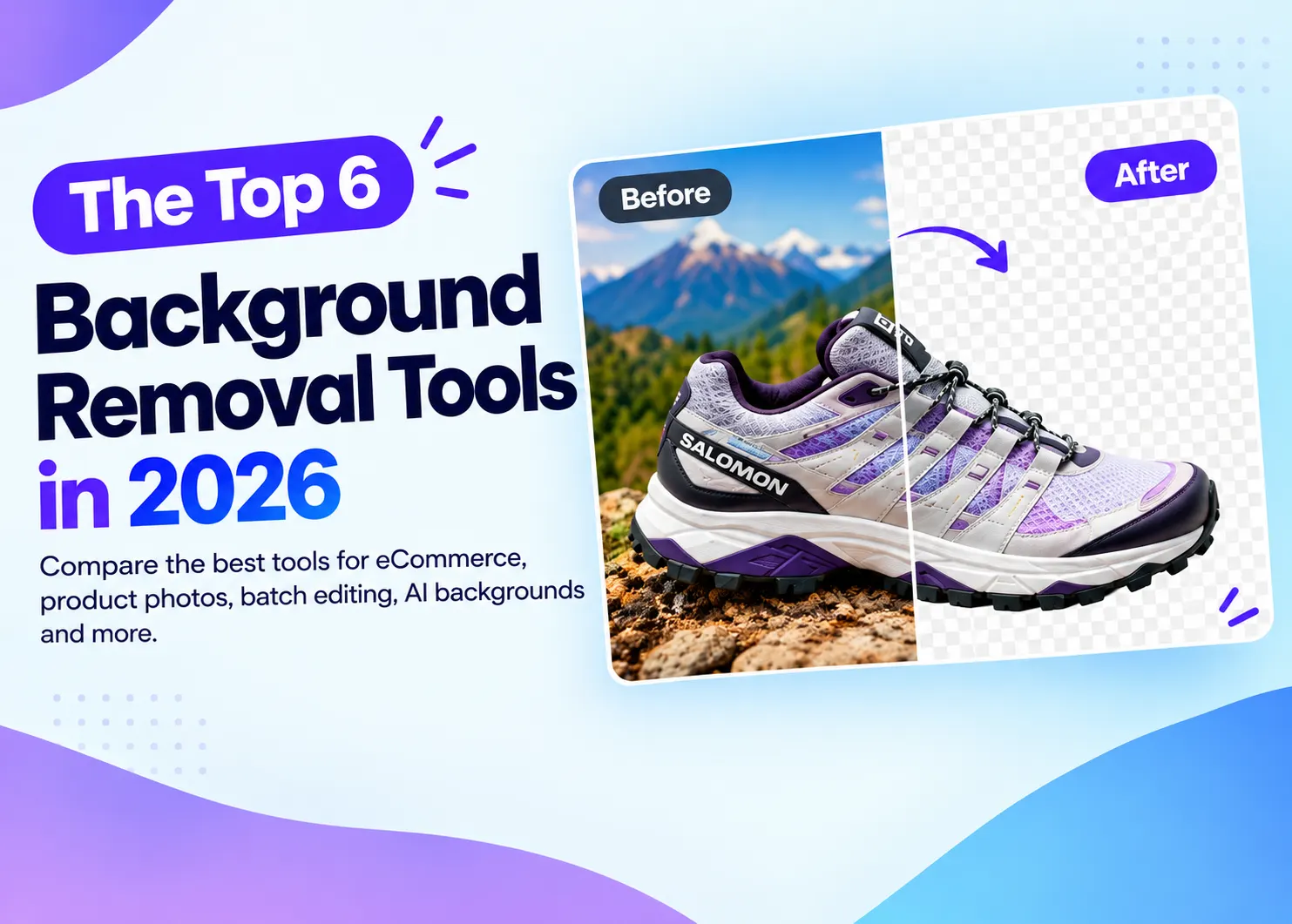
Pixelcut’s background remover is arguably the best one we’ve tested. It’s fast, accurate, and handles hair, furr, and even products under complex lighting. Here’s an example using Salomon shoes: It did a great job with isolating the shoes, even with all of the shadows. Pixelcut lets you manually refine background removal, too. And, you can change the background into something more fitting for the product. In this case, we wanted the shoes to be outdoors. If you’re in eCommerce or selling products on marketplaces like Amazon, you can bulk-remove backgrounds from your entire catalog, then change the background to fit requirements. Pixelcut also lets you do batch edit up to 10,000 photos for:
- Image upscaling
- Adding watermarks
- Logo overlays
- Cropping
Adobe Firefly
Learning Photoshop is always a worthwhile endeavor. But, if you're looking for a simple tool, the online background remover by Adobe Firefly has you covered, tracing fine detail like hair without manual masking. After removing a photo's background, you can fill and expand a scene, fine-tune the output with Markup prompts, or create a new one. If you want to take the edited image further, AI image generation tools can help create new backgrounds, scenes, and visual variations from the isolated subject. In this example, I removed the background from the photo and wanted to change the boxes they were standing on to fit a more summer vibe. The results are pretty good. That's mostly because Firefly also uses Nano Banana Pro for its generative AI. Since Adobe trained Firefly's AI specifically on licensed content, you can use the outputs commercially without any issues. Unfortunately, all of these features can only be used on one photo at a time. Bulk background removal is only available through their enterprise plan.
Ideogram
Ideogram offers a free online AI background remover for product photos, portraits, logos and illustrations. Upload a JPG, PNG or WebP image and download a transparent PNG. It’s designed to preserve details such as hair, fur, glass edges and the fine strokes and spaces within lettering, making it useful for ecommerce cutouts, campaign graphics and merchandise artwork.
After removing the background, you can continue in Ideogram Studio. Place the cutout over a white background for a product layout, a brand color for an ad or another image for a new composition. Studio lets you arrange image layers, adjust their size and position, and add text. That makes the cutout reusable across banners, social posts, posters and presentations.
For teams building automated image workflows, Ideogram also provides a background removal API. Developers can send an image and receive a URL for the transparent PNG, then connect that output to their application or catalog workflow. API usage is billed separately.
Pixelbin
Pixelbin has a background remover that handles hair and furr without any issues. What we appreciate about it is that you don’t have to go to a separate dashboard to adjust the photo. All the AI image editing tools you need, from cropping the image to adding a background, are in one dashboard. The biggest downside is that it can handle only 100 batch edits at a time. But Pixelbin makes up for that lack of volume with high-quality outputs and “Presets.” These are settings you can apply to your batch edits to automate background removal, adjustments, or prompt-based editing.
NOBG
NOBG is a 100% free background remover tool that works directly on your browser. It can process multiple images, and no data ever leaves your browser. When you upload, your hardware does the heavy lifting. It’s built with WebAssembly and WebGL, using the imgly background remover library. But it’s not as good when you’re removing a background from an image that’s too complex. That’s one of the main limitations when you’re not using any of the paid AI models that most background removers rely on.
However, if your goal is to remove the background from product photos or single-subject images, this is a great free tool. Just remember it runs on your browser and hardware. So, mobile users won’t have the same output quality as users with a dedicated graphics card.
Removal.AI
When looking for the best background remover, you'll always consider quality and cost. For me, Removal.AI is a real golden egg. Its AI background removal is among the best out there. It's really easy to use, and its results show in how it handles complex edges like hair and fur. It’s also more cost-effective than others.
Their single-image upload works well and quickly. But if you have more images to process, try their bulk background remover tool, which lets you remove backgrounds in batches. In just minutes, you’ll get hundreds of images processed, and the output image quality is good. For quality, ease of use, and savings, I recommend Removal.AI.
Key Takeaways
Almost every online photo-editing tool has it as a feature. So, you have to consider what you want to do after the background is removed, how well it fits your workflow, and whether it’s worth the cost. With all that considered, here’s a recap of our top 5 background removal tools of 2026:
- Pixelcut: Best all-around background removal tool for eCommerce that offers free, unlimited background removals.
- Adobe Firefly: An alternative to Photoshop without the high barrier to entry that uses commercially safe AI backgrounds.
- Pixelbin: Create “Presets” to remove backgrounds or batch-edit photos that fit branding and marketplace guidelines.
- Claid: Great background remover tool for fashion and product photos. But inconsistent credit pricing is worth considering.
- NOBG: 100% free background remover tool that uses its own hardware to process images.
Read More Blogs