You build the thing over a weekend. It works. You show someone, they say it's cool, and you feel the whole project sitting one small push away from done.
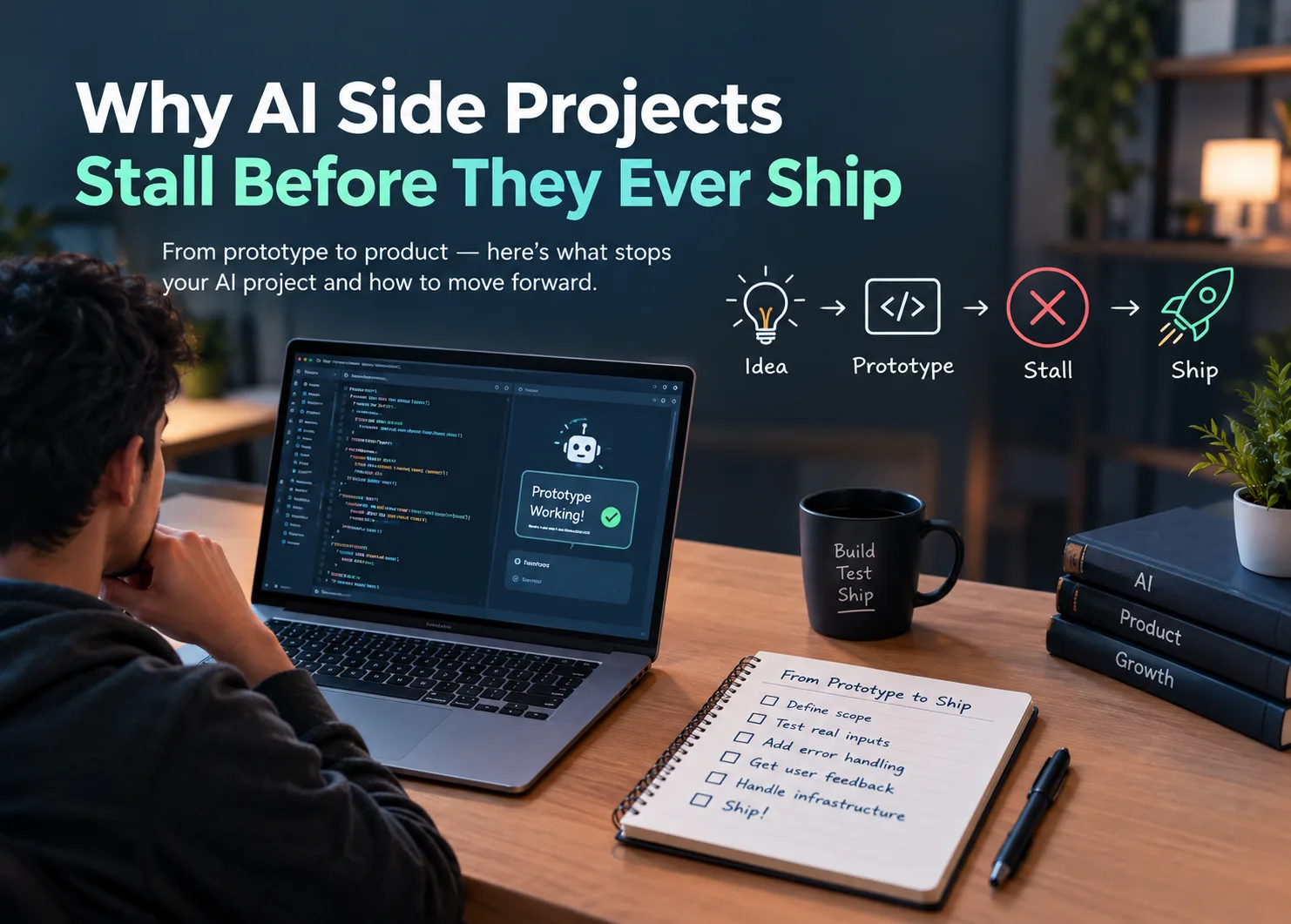
Then nothing happens. Three months later, the repo has not been touched. This is where a lot of AI side projects end, and it is rarely because someone hit a technical wall. The prototype stage kills projects because the work that comes after a working demo looks nothing like the work that produced it.
The Prototype Was Never the Hard Part
- A working demo feels closer to done than it is: An API key, a few dozen lines, and a decent prompt will get you something impressive in an afternoon. That speed is genuinely new, and it quietly rewires your sense of how much effort is left. If most of the magic arrived in one sitting, the rest should take a weekend. It does not. The first version is fast because it skips everything difficult.
- A working path is not a working product: Your prototype proves one path through the problem produces a good result. It does not prove the idea holds up when anyone other than you touches it. The distance between those two things is where most projects stop.
Everything Was Tested on the Happy Path
- You picked your own inputs: Without noticing, you fed it clean, well-formed, representative examples. You knew what the tool expected, so you gave it exactly that. Real inputs are messy. Empty fields. Documents ten times longer than anything you tested. Requests phrased sideways.
- What breaks first: Not the model. The edges around it. Malformed input, ambiguous instructions, outputs that are correct but formatted wrong for whatever comes next in your pipeline.
- Without evals, "better" is just a feeling: This is the one that quietly kills momentum. You tweak a prompt, run it once, decide it seems better, and move on. Two weeks later you cannot tell whether the tool improved, so every change feels like guesswork. Fix this cheaply. Save twenty inputs and the outputs you want, and run them after every change. That turns opinion into a number.
You Are the Only Person Who Has Ever Used It
- Building alone removes the correction loop: When you are the builder, the tester and the only user, you have absorbed every rough edge. You phrase the request the right way without thinking, and you avoid the input that makes it fail. Those workarounds stop registering as problems, and the tool gets shaped around a user who does not exist.
- Other builders find the flaw in one sentence: Someone who has shipped a similar workflow will look at your setup and name the failure mode immediately. The problem that would cost you three weekends of debugging takes them one reply. That is the entire argument for building in public. Communities exist for this, and a ForumRix AI community platform like Reddit runs category boards where members post tested prompts, prototypes and finished builds for other people to pull apart.
- Ask a specific question: "What do you think?" gets you nothing. "Here is the input that breaks it, what would you try?" gets an answer you can act on today.
The Unglamorous Work Is Most of What's Left
- Errors, retries and rate limits: The model call is the easy part. What turns a script into working AI automation is everything wrapped around it: handling timeouts, retrying failures, catching malformed responses, deciding what the user sees when the API is down.
- Cost and latency at real volume: A workflow that costs a few cents across ten test runs behaves differently across a few thousand. A demo that takes forty seconds is fine when you are the one waiting and unusable for anyone else.
- The parts that have nothing to do with AI: Authentication. Storage. Logging. Somewhere for people to actually run the thing. Builders who started because the AI part was interesting lose interest here, and that is the real stall. It gets called being busy. It is boredom.
Chasing the Next Model Instead of Finishing the Last One
- The rebuild reflex: The same temptation becomes even stronger as new approaches such as agentic AI make increasingly ambitious workflows possible. Before expanding a project, it helps to understand what these systems actually involve and where autonomous AI fits into a practical workflow. Complete Guide to Agentic AI, types, Architecture, Benefits & Real-World Applications explores these concepts in detail.
- Scope creep wearing a disguise: Adding a second use case before the first one works is the most common version. So is the pivot from a specific tool to a general assistant. Both feel ambitious. Both guarantee the project never ships.
- The cost of a moving target: Nothing ever gets far enough for an outside opinion to arrive, and without that signal the project has nothing keeping it alive.
What Builders Who Finish Do Differently
- Define done before you start: One input type. One output. One user. Write it down before the first line of code, and treat it as fixed.
- Ship the narrow version: A tool that does one thing well for one person beats a general assistant that does nothing for anyone. Narrow scope is not a compromise, it is the reason the project finishes.
- Get it in front of five people early: Not after polish. While it is still slightly embarrassing. That is when feedback is cheap to act on and you still have the energy to use it.
- Keep a public build log: Write down what broke this week. It gives you a visible record of progress through the flat stretches, and it invites correction from people further along than you.
Conclusion
The working demo is a starting line that looks like a finish line. That single misread is behind most abandoned projects. What stalls these builds is structural, not technical. You are working alone with no correction loop, against a scope that keeps expanding, on work that stopped being fun around the time you started handling API errors. So do three things. Cut the scope until done is a sentence you can write. Build a twenty-case eval set so progress is measurable. Show it to other builders before it feels ready. Together those are the difference between a folder of prototypes and something people use.
Read More Blogs On:
.png)