Technology has become one of the most essential drivers of modern company growth. It’s safe to say that firms from various industries and fields (starting from engineering, artificial intelligence, finance, and so on) have become heavily reliant on computing power to deal with challenging workloads.
When workloads become extremely intricate, then classic CPUs may not be capable of keeping up with that, and these are the moments when dedicated GPUs need to step in and make a huge change.
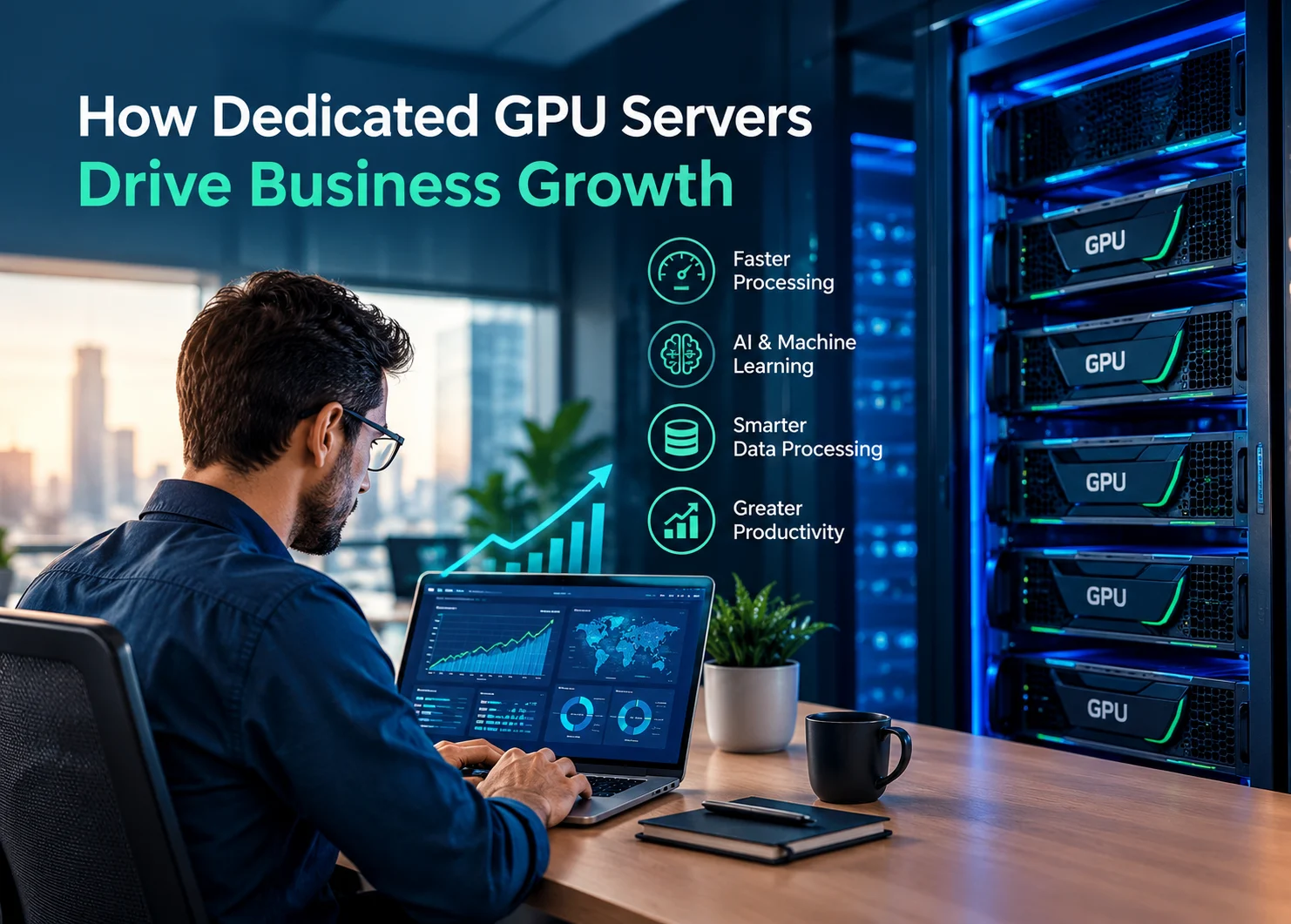
Graphics processing units were initially intended for rendering graphics. They were renowned for being able to execute multiple calculations simultaneously, and that’s what made them so popular. Dedicated GPU servers can help organizations level up productivity, create opportunities for innovation, and shorten processing times.
Speed Up Challenging Workloads
The absolute clearest perk of using a dedicated GPU server is its insane power to crush workloads that leave standard computers completely gasping for air. Tons of modern apps have to run a massive number of calculations all at the exact same time.
GPUs are literally engineered from the ground up to excel at this kind of heavy-duty parallel processing, which makes them absolute weapons for any task you can chop up into thousands of smaller math problems.
For your business, this instantly translates into extremely fast processing speeds. Instead of waiting for hours for a massive workload to finally finish, your team can smash through the exact same tasks in a fraction of the time with the right GPU hardware.
Sure, the exact speed bump depends on your specific software and hardware setup, but the main point is dead simple: using the right tool for the job completely destroys your computing bottlenecks. And when you stop wasting hours waiting on loading bars, your team's productivity instantly skyrockets.
Complement Omnipotent Workstations
Now, don’t you mean for a single second that dedicated GPU servers must replace high-performance workstations? In fact, they can perfectly complement each other. Employees can utilize omnipotent local systems for interactive work while sending extremely challenging workloads to centralized GPU infrastructure.
The approach enables enterprises to offer substantial computing capacity without needing to own the priciest hardware. Additionally, Novatech Gaming AI workstations are here to showcase just how high-performance GPU hardware can support challenging computing environments. And then you have dedicated server infrastructure, which can offer additional centralized capacity when workloads surpass what an individual workstation is supposed to deal with.
Artificial Intelligence & Machine Learning
AI has officially turned into a must-have tool for business, but let's be real: running these models demands a ridiculous amount of pure horsepower. Training and running machine learning models means processing large datasets and running a substantial amount of calculations all at once.
Dedicated GPUs are an absolute game-changer here because they accelerate these workloads like crazy, making them the most valuable player in your AI infrastructure. Businesses can unleash this GPU power to crush advanced tasks like computer vision, natural language processing, predictive analytics, recommendation algorithms, and pretty much any other machine learning project you can think of.
Having this kind of tech on hand lets your team experiment with AI way more efficiently, helping you push projects out of the experimental sandbox and into the real world a hell of a lot faster. For companies actively building AI-driven products, locking down the right GPU infrastructure is a total non-negotiable because the second your models and datasets get more sophisticated, your computing needs are going to absolutely skyrocket. As AI in business continues to expand across industries, having the infrastructure to support demanding models and large datasets becomes increasingly important.
Enhancing Data Processing
Data is one of the most essential assets of any business; however, gathering information is only beneficial if your company is capable of processing and analyzing it correctly. Huge datasets can demand major computational resources, especially when businesses are executing complicated calculations or employing machine learning techniques.
Dedicated GPU servers can absolutely accelerate your data-processing workloads by handling thousands of heavy calculations all at the exact same time. This means your teams can tear through massive piles of information at lightning speed, letting you spot critical patterns or game-changing insights way sooner.
Getting your hands on this kind of rapid-fire analysis is a massive win across pretty much every industry on the planet. Businesses can use this crazy computing power to dig into customer habits, streamline messy operations, simulate complex financial scenarios, crunch scientific data, or completely level up their forecasting game. This processing capacity can also support AI automation initiatives by giving businesses the computational resources needed to handle data-intensive workflows efficiently. Dedicated GPU servers are able to provide businesses with all the computing power that’s required to handle insanely challenging workloads. GPU acceleration can decrease processing bottlenecks and, concurrently, ensure your company runs seamlessly and efficiently.
Read More Blogs On:
.png)