Table of Content
- Kiara Miller
- Aug 15,2026
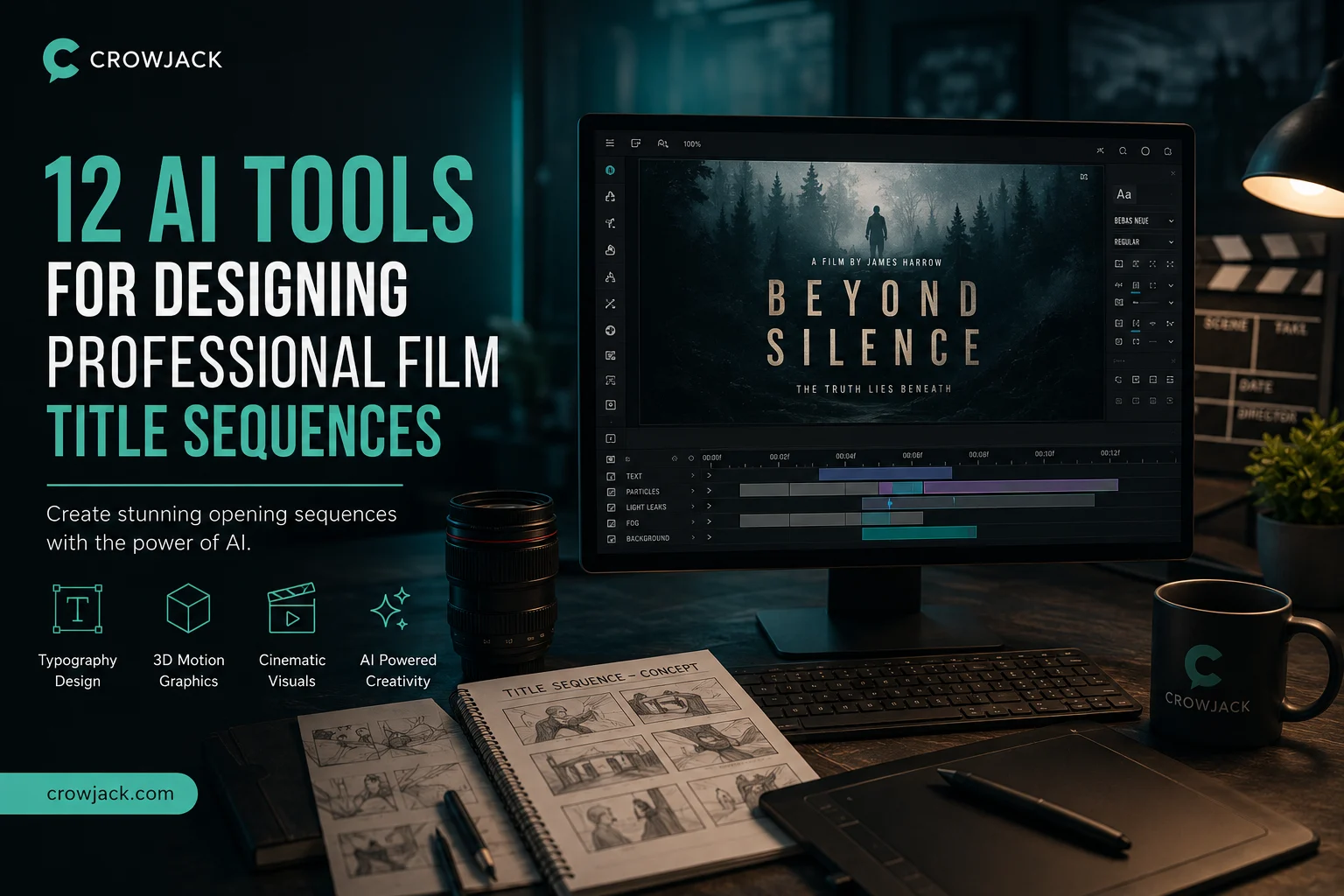
A title sequence has one job that's oddly specific: establish tone, credit the people who made the film, and do it in a way distinctive enough that it could only belong to this particular project. That's a harder brief than it sounds, since it sits at the intersection of typography, motion timing, and whatever visual world the rest of the film lives in. AI hasn't replaced the craft here so much as compressed the exploration phase, turning what used to be days of style-frame iteration into something a designer can test in an afternoon.
This list covers twelve tools actually being used for that work in 2026, from full motion-graphics suites to focused typography and planning tools.
Tool | Best for | Key title-sequence feature | Starting price |
|---|---|---|---|
invideo agent | An opening sequence that shares a full film's visual identity, not a one-off graphic | Persistent context engine plus 200+ integrated generative models | $17/month; team and enterprise options available |
Adobe After Effects | Frame-exact broadcast title sequences with full compositing control | AI-assisted rotoscoping, tracking, and motion design inside an industry-standard toolset | ~$34.49/month |
Kittl | Typography-driven title cards and credit sequences | AI text-to-vector engine built specifically around advanced typographic control | Free tier; $12/month |
Cinema 4D | 3D title sequences and broadcast idents with real depth and light | MoGraph procedural 3D animation for dimensional title elements | Included with Adobe or standalone license |
Luma Dream Machine | Generative, cinematic backgrounds and textures behind title text | Camera Motion SDK for physically convincing movement behind titles | ~$7.99–30/month |
Storyflow | Planning a title sequence's brief, moodboard, and style frames together | Canvas-aware AI that connects brief, moodboard, and storyboard for motion projects | Free |
Boords | Client review and sign-off on title sequence concepts | Frame-accurate storyboard and animatic review built for the pre-keyframe stage | Free tier; ~$50/month |
Recraft | Vector-based title card graphics with consistent brand style | AI vector generation with brand style consistency across assets | Free tier; from ~$10/month |
Kaiber | Music-reactive, stylized visuals for opening title sequences | Custom Models trained on a specific visual style, paired with camera presets | $5/month |
CapCut | Fast title templates and text animation for short-form or indie projects | Large template library with word-by-word animated text timing | Free; Pro ~$20/month |
Kapwing | Team-based title and caption styling with brand kits | 100+ preset caption/title styles with full font, color, and animation timing control | Free tier; $16/month |
Leonardo AI | Concept art and key art to establish a title sequence's visual world | Character and style reference tools for consistent key art | Free tier; $12/month |
Most title-sequence tools treat the opening as a standalone graphic design exercise, built once and dropped in front of the film. invideo agent approaches it differently: because a title sequence lives inside the same project as everything else, it can be generated using the same persistent context engine that holds the rest of the film's characters, locations, and visual style consistent, so an opening sequence actually shares a visual language with the film it's introducing rather than being a separately-designed graphic bolted onto the front.
The platform routes the title sequence's generation to whichever of its 200+ integrated models fits the intended look, including Veo 3.1, Sora 2, Kling 3.0, Seedance 2.0, Runway, PixVerse, Hailuo, WAN, Recraft, GPT Image 2.0, and Nano Banana, and Camera Controls let a director apply a deliberate move, a slow reveal, a push through an environment, as the title text and imagery play out.
Best for: productions that want an opening sequence generated with the same visual identity and consistency system as the rest of the film, rather than designed separately.
Where it falls short: it isn't a dedicated kinetic-typography tool, so a designer who needs frame-level control over letterform animation and easing will still want a specialist tool like After Effects or Kittl for the fine typographic work.
Pricing: plans start at $17/month, with team and enterprise options also available.
After Effects remains the tool professional motion designers actually finish broadcast title sequences in, and its 2026 AI updates add AI-assisted rotoscoping, object tracking, and in-painting on top of an already-industry-standard compositing toolset. For title work specifically, that means the timing, easing, masking, and typography control that pure AI generators still can't match.
Best for: professional motion designers finishing broadcast-grade title sequences that need exact, frame-level control.
Where it falls short: the learning curve is steep and takes months to navigate, which makes it a poor fit for anyone who needs fast output rather than precise, hands-on craft.
Pricing: roughly $34.49/month as a single app, or included in the Creative Cloud all-apps plan.
Kittl's AI text-to-vector engine is built specifically around advanced typographic control, vintage lettering, logo-style type treatments, and complex text layouts, which makes it a strong fit for a title card's most important element: the actual title typography. Its AI vectorizer can also turn a raster sketch into clean, scalable SVG artwork for a credit sequence's supporting graphics.
Best for: designing distinctive title typography and credit-sequence graphics with precise text control.
Where it falls short: its AI video feature is generation-only with no timeline editor, so animating the typography still requires exporting into a separate motion tool.
Pricing: free tier available; Pro plan from $12/month (annual billing).
Where After Effects handles 2D compositing, Cinema 4D is the industry standard for the three-dimensional side of a title sequence, products, logos, or abstract forms rendered in real space with depth and light, which is why broadcast idents and dimensional title reveals are typically built here. MoGraph handles procedural 3D animation, letting a designer generate complex, repeatable motion systems rather than keyframing every element by hand.
Best for: 3D title sequences and broadcast idents that need real dimensional depth and lighting.
Where it falls short: it's a specialist 3D tool with its own steep learning curve, and it's typically paired with After Effects for 2D compositing rather than used alone.
Pricing: included with Adobe Creative Cloud bundles or available as a standalone license.
A title sequence often needs a generative, cinematic background, drifting fog, an abstract cityscape, a slow push through an environment, to sit behind or around the title text. Luma's Camera Motion SDK, grounded in NeRF-style 3D-space reasoning, produces camera movement that reads as physically real rather than the slightly floaty quality that shows up in more purely 2D generative approaches.
Best for: generating a cinematically convincing moving background or environment for title text to sit against.
Where it falls short: it generates the background footage, not the typography itself, so it's typically paired with a compositing or typography tool rather than used as a complete title solution.
Pricing: plans from roughly $7.99/month, scaling to around $30/month for commercial-use tiers.
Storyflow's canvas connects a project's brief, moodboard, and storyboard in one AI-aware space, and its own testing explicitly covered planning a title sequence from brief through animatic alongside a brand explainer and a social motion piece. Because a title sequence is one of the more expensive things to get wrong after animation has started, planning the direction on a connected canvas before any keyframing begins is where Storyflow's value shows up.
Best for: developing a title sequence's creative direction, brief, and style frames together before committing to animation.
Where it falls short: it's a planning tool, not an animation or rendering engine, so the actual title sequence still gets built somewhere else once the direction is locked.
Pricing: free, with unlimited boards.
Once a title sequence concept exists, Boords is built for the specific problem of getting it approved: a frame-accurate storyboard and animatic workspace with comments, version control, and no-signup client review links, purpose-built for the storyboard and animatic stages a title sequence goes through before a single frame gets animated.
Best for: getting client or studio sign-off on a title sequence concept before committing animation time to it.
Where it falls short: it's a review and planning tool, not a generation or animation platform, so it complements a production tool rather than replacing one.
Pricing: free plan with 5 storyboards; Pro plan around $50/month billed yearly.
Recraft's AI vector generation is built around brand style consistency, keeping a color palette, line weight, and overall visual language uniform across every generated asset, which matters for a title sequence's supporting graphics, chapter cards, credit blocks, and any recurring graphic motif that needs to look like it belongs to one coherent system rather than a set of disconnected generations.
Best for: generating consistent vector graphic elements that support a title sequence's broader visual system.
Where it falls short: it's an image and vector generation tool rather than an animation platform, so motion still needs to be added downstream.
Pricing: free tier available; paid plans from roughly $10/month.
Kaiber's Custom Models let a designer train the platform on a specific visual style, then apply that trained look consistently across a title sequence's imagery, paired with camera presets for the kind of sweeping, cinematic movement that suits an opening reveal. Its roots in music-reactive visual generation also make it a natural fit for a title sequence timed tightly to a score.
Best for: stylized, music-synced opening sequences built around a specific trained visual identity.
Where it falls short: Custom Models training is locked behind the Creator tier and above, and the credit system can be harder to predict than the headline price suggests.
Pricing: Explorer plan from $5/month.
For shorter-form or independent projects that don't need a broadcast-grade custom title sequence, CapCut's large template library and word-by-word animated text timing get a professional-looking title card assembled quickly, without a motion-design background.
Best for: fast, template-driven title cards for indie or short-form projects on a tight timeline.
Where it falls short: it's built for speed and templates rather than the fully custom, frame-exact typography control a broadcast title sequence typically needs.
Pricing: free plan available; Pro plan around $20/month.
Kapwing's caption and title styling system gives full control over font, size, color, drop shadow, border, background, and word-by-word animation timing across 100+ preset styles, and its brand kit and shared workspace features matter specifically for agencies producing consistent title treatments across multiple client projects.
Best for: teams that need consistent, on-brand title and caption styling across many projects.
Where it falls short: it's built around routine content production, interviews, explainers, social clips, rather than the fully custom compositing a distinctive feature-film title sequence usually calls for.
Pricing: free tier available; Pro plan from $16/month.
Before a title sequence's motion gets built, its visual world often needs to be established through key art, the mood, palette, and iconography the rest of the sequence will animate around. Leonardo AI's character and style reference tools keep that key art consistent across multiple generated images, which gives a motion designer a coherent visual target to animate toward rather than a single disconnected piece of concept art.
Best for: establishing a title sequence's visual world through consistent concept and key art before animation begins.
Where it falls short: it's a stills tool, so it feeds into a title sequence's development rather than producing the finished, animated result itself.
Pricing: free tier with 150 daily tokens; paid plans from $12/month.
Several offer usable free tiers, including Kittl, Storyflow (free with unlimited boards), Boords (5 storyboards), Recraft, Leonardo AI (150 daily tokens), Kapwing, and CapCut, though full resolution, commercial licensing, and the deepest customization typically require a paid plan.
This is the specific gap invideo agent is built to close: because a title sequence can be generated inside the same project as the rest of the film, using the same persistent context engine and model routing, it can share the film's established visual identity rather than being designed as a disconnected graphic.
A 2D approach, typically built in After Effects, handles typography, compositing, and flat motion graphics. A 3D approach, typically built in Cinema 4D, renders elements with real depth and lighting in three-dimensional space, which suits dimensional logo reveals or broadcast idents. Many professional title sequences combine both, rendering 3D elements in Cinema 4D and compositing them with 2D typography in After Effects.
Motion design professionals consistently describe title sequences as one of the most expensive things to redo once animation has started, since a full second of finished motion graphics can take hours of keyframing. Tools like Storyflow and Boords exist specifically to lock the creative direction, brief, moodboard, and style frames, before that expensive animation work begins.
It depends on how custom the result needs to be. Tools like Kittl produce strong static typographic designs but stop short of a timeline-based animation editor, so most title sequences still route through After Effects or Cinema 4D for the actual frame-by-frame motion, even when the initial typography or concept art comes from an AI tool.

Explore the best AI tools for students for research in 2026. This comprehensive guide compares leading AI research assistants, academic search tools, literature review platforms, and citation managers, helping you find credible sources, summarise research papers, organise references, and complete academic projects faster, smarter, and with greater confidence.
Read More
Protecting your online accounts starts with choosing the right password manager. With cyber threats becoming more sophisticated, a reliable password manager helps you generate, store, and manage strong passwords securely. In this guide, you'll learn the essential features to look for, including encryption, cloud backup, password generation, multi-device compatibility, and data recovery options, so you can confidently select a solution that keeps your sensitive information safe.
Read More
Discover the 15 best AI video generator tools in 2026, including both free and paid platforms for creators, marketers, businesses, and educators. This comprehensive comparison covers features, pricing, pros, cons, and ideal use cases for leading tools like Google Veo 3, OpenAI Sora, Runway Gen-4, Synthesia, HeyGen, Canva AI Video, and more. Whether you need realistic text-to-video generation, AI avatars, or social media video creation, this guide helps you choose the right AI video generator for your workflow.
Read More
Maintaining the same voice across multiple scenes, episodes, or translated videos is essential for creating professional, immersive content. This guide reviews the 8 best AI tools for voice and audio consistency, comparing their voice-cloning quality, multilingual capabilities, pricing, and ideal use cases. Whether you're producing marketing videos, podcasts, audiobooks, or branded content, these platforms help keep narration natural and consistent from start to finish, making it easier to build audience trust and deliver a seamless viewing and listening experience.
Read MoreGet into details now? View all posts