Table of Content
- Kiara Miller
- Aug 06,2026
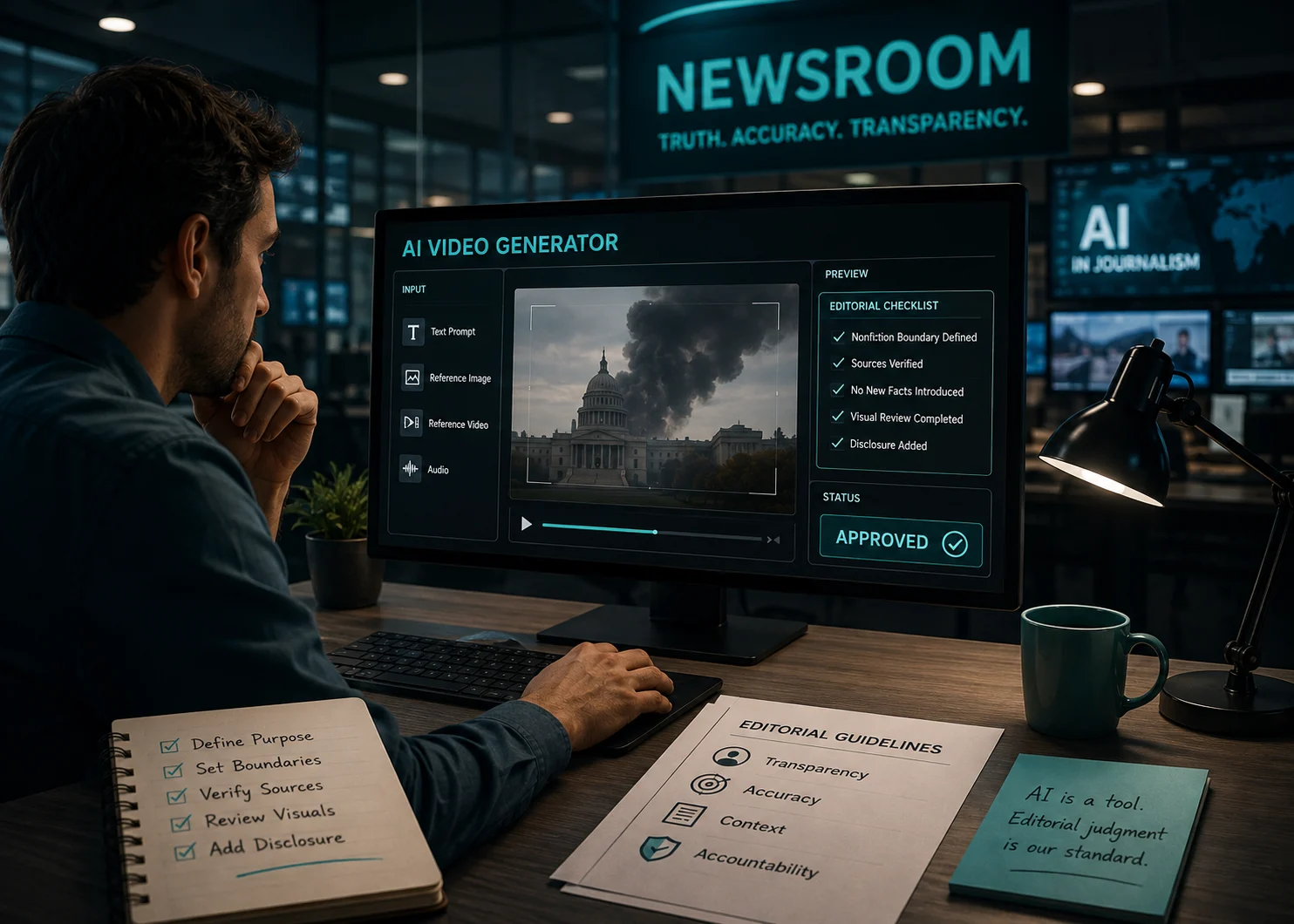
A seven-second clip shows smoke rising behind a government building. Nothing in the frame tells a reader whether it was recorded, reconstructed, or invented, so realism becomes an editorial hazard rather than proof. An editor may select the best ai video generator for an explainer, yet the resulting file still enters the newsroom as unverified illustration. Its source role, disclosure, placement, and factual boundary must be settled before publication.
Video AI offers an all-in-one workspace for video, image, music, and voice generation, including text-to-video and image-to-video routes. The range can help a small desk make explainers or illustrative motion without moving through several accounts. Yet a unified interface also makes it easy to confuse technical availability with editorial permission. Publication rules must sit above the Generate button.
Synthetic video can serve several newsroom jobs, but they carry different risks. A clearly labeled abstract animation may help explain a scientific process. A reconstructed street scene may be mistaken for evidence. A moving chart can clarify numbers, while a generated portrait of a real person may create a visual claim that reporting cannot support.
The assignment editor should classify the job before anyone opens a model. Useful classes include abstract explanation, data-led motion, historical reconstruction, visual placeholder, and promotional trailer. The class determines whether generation is appropriate, what source material can be used, and how strongly the finished video must be labeled.
A boundary sentence says what the clip must not imply. For a medical explainer, it might say that the animation cannot look like footage from a named hospital. For a climate story, it might say that the landscape is illustrative and cannot be presented as the reported location. This sentence is short enough to travel with the brief and concrete enough to reject a misleading result.
If the boundary cannot be written, the assignment is not ready. Generating first and arguing about meaning later sends the clip back to production after audio, captions, and page placement have already been built around it.
A newsroom comparison should measure the type of claim created by each route, not simply convenience or visual quality. Text, still images, audio, and reference video carry different source obligations. The more a generation resembles an observed event, the stronger the risk that readers will treat it as evidence.
Route | Useful Editorial Job | Main Review Exposure |
Text to video | Abstract concepts or clearly fictional illustration | Invented details may look reported |
Image to video | Motion around an approved still or graphic | The source image may be altered beyond its evidence |
Reference-led generation | Consistent visual language across explainer scenes | Rights, identity, and source roles may become unclear |
Native audio generation | Atmosphere for labeled illustration | Generated dialogue or ambience may sound documentary |
This comparison does not prohibit a route. It tells the editor where the caption, sourcing note, or human check must become stronger. A route that is safe for a fictional culture feature may be unacceptable in breaking news.
A published article should preserve the reporting sources independently from the generated asset. Prompts and reference files can describe how an illustration was made, but they do not become evidence for the article. A generated reconstruction cannot confirm a witness statement, and a smooth animation cannot establish that an event happened in the depicted way.
Build the clip from material already cleared for illustration. If an approved photograph is animated, the editor should retain the original and record what motion was added. If a map or document is used as a reference, remove confidential data and verify that the result does not invent labels, borders, signatures, or dates.
Look beyond the central subject. Store signs, uniforms, weather, license plates, skin injuries, device screens, and background crowds can all introduce factual suggestions. One invented badge can turn a generic scene into an accusation. One unreadable date can be interpreted as a real timestamp when it appears beside reported footage.
The rejection note should name the visible consequence: “discarded because the uniform implies a specific agency” is useful. “Too artificial” is not. Specific notes reduce rework and help another editor recognize the same risk in a later assignment.
Viddo AI integrates model routes that can handle different input types and media tasks. Seedance 2.0, for example, is described by its developer as supporting text, images, video, and audio references, including multi-shot audio-video output. Google describes Veo 3.1 as offering native audio, reference-image control, stronger prompt adherence, and more realistic physics.
Those capabilities expand what a desk can make. They do not answer whether a desk should publish it. Native dialogue is technically useful for fiction, but a generated voice that sounds like a real interview would cross a much more serious boundary. Physical realism can improve an explainer while also making a reconstruction easier to mistake for captured footage.
The editorial rule should therefore follow the representation, not the brand name. If a clip could reasonably be understood as documentation of a real person, place, statement, or event, it needs stronger labeling and may need to be rejected regardless of how accurately the model followed the prompt.
Inspect the exact file that will be published. The final file must still have approved source media, a defensible purpose, and a disclosure appropriate to the page. The mobile crop should not remove the disclosure or place generated imagery beside a headline in a way that suggests direct evidence.
Archive the cleared reference assets and disclosure beside the exact output file. Even the best ai video generator can produce materially different scenes from similar instructions, so the publication record also needs the prompt version and final crop. A prompt without its approved render cannot show what readers actually saw.
One person should not approve every dimension of a high-risk synthetic clip. A compact three-desk check distributes the work without creating a committee for every animation.
On the newsroom queue, a failure at the reporting check returns the assignment to the brief, not to prompt polishing. A visual failure returns to generation or editing. A publishing failure may require a new export or a different placement. Sending the file to the correct stage prevents an afternoon of reshoots that cannot fix an editorial problem.
Generated footage remains dependent on input quality, model behavior, and human review. Seed lock, references, and detailed prompts can narrow variation, but they cannot guarantee factual accuracy or perfect identity consistency. In reporting, any output that could be confused with captured evidence needs an explicit boundary or should stay unpublished.
For newsroom production, Viddo AI can provide practical creation routes without forcing every media task into a separate tool. That convenience matters for explainers, illustrations, and promotional cuts. The editorial value appears only when the desk has already defined the nonfiction boundary.
The final test is plain: can the caption accurately tell a reader what this video is, what it is not, and why it appears in the story? If the answer requires vague language or hides how realistic details were invented, the clip would never clear editorial review. A defensible synthetic asset should make the article easier to understand without asking the reader to mistake generation for observation.
Yes, but they should only be used as clearly disclosed illustrations, explainers, or reconstructions. AI-generated footage should never be presented as authentic evidence of real events unless it accurately represents verified reporting and is appropriately labeled.
Disclosure helps readers understand that the video is synthetic rather than recorded footage. Clear captions and labels prevent viewers from confusing generated visuals with real-world documentation.
Editors should verify that the video does not introduce unsupported facts, identities, locations, dialogue, or events. They should also review source rights, captions, disclosures, thumbnails, and placement within the article.
No. Even the best AI video generator can create realistic but inaccurate details. Human editorial review and fact-checking remain essential before any AI-generated content is published.
The safest approach is to use AI for explanatory animations, educational visuals, or clearly labeled reconstructions while maintaining original reporting separately and ensuring every generated asset has transparent disclosure and editorial approval.