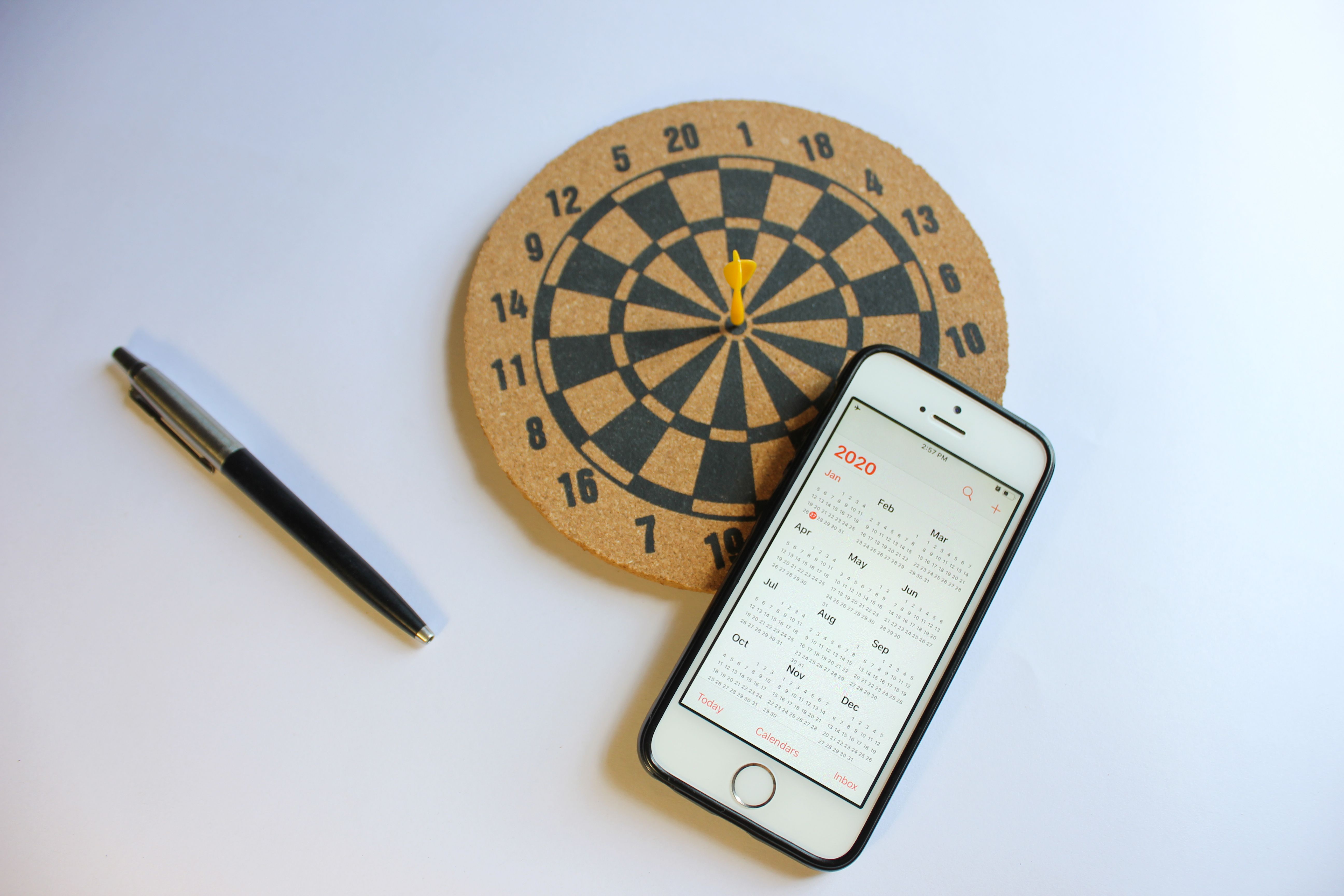
At 2:15 p.m., a salon receptionist calls a client who was supposed to arrive fifteen minutes earlier. No answer. The stylist has already prepared the station, and the next appointment isn't until four. That leaves an expensive gap in the afternoon.
Ask around at a dental practice, massage studio, or consulting office, and you'll hear similar stories. Sometimes the customer forgot. Sometimes plans changed, but they never canceled.
An appointment reminder can prevent some of these situations. How it's written, when it arrives, and what the customer can do with it make a considerable difference.
The cost of an empty appointment
A missed booking costs more than the price printed on the service menu.
The staff member assigned to the appointment may have little else to do during that slot. Supplies might already be prepared. Meanwhile, someone who called yesterday looking for an opening was told the schedule was full.
There can be longer-term consequences. A patient who misses a dental consultation might postpone further treatment. A prospective client who skips an initial meeting may never book again.
The actual cost varies. A half-hour haircut and a two-hour specialist consultation aren't equivalent losses.
To understand the impact on your business, look at the revenue lost from missed appointments, the time staff spends preparing for them, and how often you can fill canceled slots. Use your booking records rather than broad industry estimates.
Why people don't turn up
Consider a customer who books a facial three weeks in advance. She receives a confirmation, reads it, and goes back to work. By the following week, the appointment has slipped her mind.
Another customer remembers the visit but thinks it starts at 3:30 instead of 3:00. Someone else needs to cancel but can't find the booking email and doesn't have time to phone reception.
These are different problems, yet businesses often respond to all three by sending more reminders.
A better approach starts with the booking process. Customers should know exactly when and where they're expected, what to prepare, and how to make changes without calling.
If cancellation requires a lengthy conversation with staff, some people will simply put it off.
Send confirmation while the booking is fresh
The first message should arrive immediately after someone books.
For an in-person appointment, include the service, date, start time, address, and anything the customer should bring. Online consultations need a joining link and an explicit time zone.
This is also the right moment to offer an “Add to calendar” option.
Customers shouldn't have to copy the details into their calendar manually. An add to calendar link generator lets businesses create links customers can use to save their appointments.
Check that the calendar entry contains the correct time, duration, location, and booking details. For personalized appointments, make sure each customer receives information for their own slot.
A saved calendar event may later generate a notification, depending on the customer's settings. It also makes the booking easier to find among other commitments.
For a busy salon or clinic, that small convenience is worth adding to the confirmation process.
When should reminders go out?
Most businesses can begin with three messages, then adjust the timing based on how customers respond.
Send a confirmation with all essential details. Include the cancellation policy and a link to manage the appointment.
Don't bury important information under a long business introduction.
24–48 hours beforehand
This is usually the most useful reminder.
A customer who realizes they have another commitment may still have time to reschedule. The business can also offer the vacant slot to someone else.
For services with a 48-hour cancellation deadline, send the message early enough for customers to respond before that deadline.
The reminder can include preparation instructions. A clinic may ask patients to bring previous records. A beauty salon may need customers to arrive without certain products on their skin.
A few hours before the visit
Keep this message short. Confirm the time, address, and any last-minute instructions.
A customer heading to an appointment doesn't need a paragraph about your services. They may, however, appreciate a parking tip or directions to the correct entrance.
For morning appointments, an evening reminder may be preferable to a message sent at dawn.
Not every customer needs all three messages. Someone booking an appointment for the same afternoon probably doesn't need a separate 48-hour reminder.
Choosing between email, SMS, and messaging apps
Email works when you have more to explain. An appointment reminder email can include preparation notes, a map, booking details, and a calendar link without becoming difficult to read.
SMS is convenient for short notices, particularly close to the appointment. Customers can check the time without searching through their inbox.
Messaging apps may work for businesses that already speak to customers there. For example, a salon that handles bookings through WhatsApp might find it natural to confirm visits in the same conversation.
There are limits. Customers should know which channels the business will use, and the business must obtain any required consent. Permission to receive booking updates shouldn't automatically be treated as permission to receive promotional offers.
Medical and other sensitive appointments need particular care. Avoid including confidential information in messages that might appear on a locked phone screen.
Ask customers how they prefer to be contacted, and make sure your booking system respects those preferences.
What belongs in a useful reminder?
A good reminder answers the questions a customer might otherwise ask reception by phone.
The message should identify the business and show the appointment date, time, and location. If preparation is required, say what it involves. Include a link or phone number to change the booking.
The rescheduling option deserves special attention.
Imagine a customer realizes at 10 p.m. that she can't attend tomorrow's appointment. If she can cancel through a link, the business finds out that evening. If she has to wait for reception to open, she loses valuable time.
Check how the booking page works on a phone. Small buttons, complicated login requirements, or forms that don't load properly can discourage customers from finishing the process.
Three messages you can copy and adapt
An appointment reminder template saves reception staff from repeating the same information. These examples cover the confirmation and two later reminders.
1. Email confirmation
Subject: Your appointment at [Business Name]
Hi [Name],
Your [Service] appointment is booked for [Day, Date] at [Time].
Address: [Location]
Please [Preparation Instructions] before your visit.
If you need a different time, you can reschedule or cancel here: [Booking Link].
See you then,
[Business Name]
2. SMS reminder, one day before
Hi [Name], a reminder that you're booked for [Service] tomorrow at [Time] with [Business Name]. We're at [Address]. Need to change your booking? [Link]
3. Final SMS reminder
Hi [Name], we'll see you today at [Time] for your appointment at [Business Name]. Here's how to find us: [Link].
Adjust the wording to fit your business. A specialist clinic may need a more formal manner than a neighborhood barbershop.
Before activating automated appointment reminders, test each message with a sample booking. Check the placeholders, date format, address, and links. A confirmation with the wrong time can create exactly the problem you're trying to avoid.
Cancellation policies shouldn't feel like a warning
Customers should learn about cancellation fees when they book, not from an unpleasant message the evening before their visit.
A straightforward policy might read:
“If you need to cancel, please let us know at least 24 hours before your appointment. Later cancellations may incur a fee of [Amount].”
The policy should specify the fee, any exceptions, and comply with applicable consumer rules.
Be reasonable about emergencies. A client who wakes up ill shouldn't feel pressured to attend a close-contact service for fear of being charged.
Staff should also know when they can waive a fee. Inconsistent decisions lead to awkward conversations and complaints.
Check whether your reminders are working
To reduce no shows, you'll need a reliable starting point.
Take the number of appointments missed without advance cancellation and divide it by the total number scheduled for the same period. Multiply by 100 to get the no-show rate.
Suppose a salon had 150 appointments last month, with 12 customers failing to arrive. Its no-show rate was 8%.
After introducing reminders, track the same figure for another comparable period. Keep cancellations separate from no-shows, and note whether other customers filled canceled slots.
Look beyond the overall percentage for patterns. Are Monday mornings particularly troublesome? Do first-time clients miss appointments more often? Does one service attract more last-minute cancellations?
These details may suggest changes to booking lead times, preparation instructions, or reminder timing.
Avoid judging the system after only a few days. Holiday periods, staff absences, and seasonal demand can affect attendance.
Keep the process easy for customers
A small clinic doesn't need an elaborate communication system to improve attendance. Accurate booking details, a calendar option, a timely reminder, and an accessible cancellation link cover most everyday issues.
Start with the appointments most often missed. Test the messages with real bookings, check whether customers can reschedule easily, and ask reception staff what questions they keep receiving.
If people regularly arrive at the wrong entrance, fix the directions. If customers call to ask what to bring, add that information to the confirmation. If they complain about too many texts, adjust the schedule.
A reminder works best when the customer can read it once and know exactly what to do next.