Table of Content
- Jessica Robinson
- Aug 25,2026
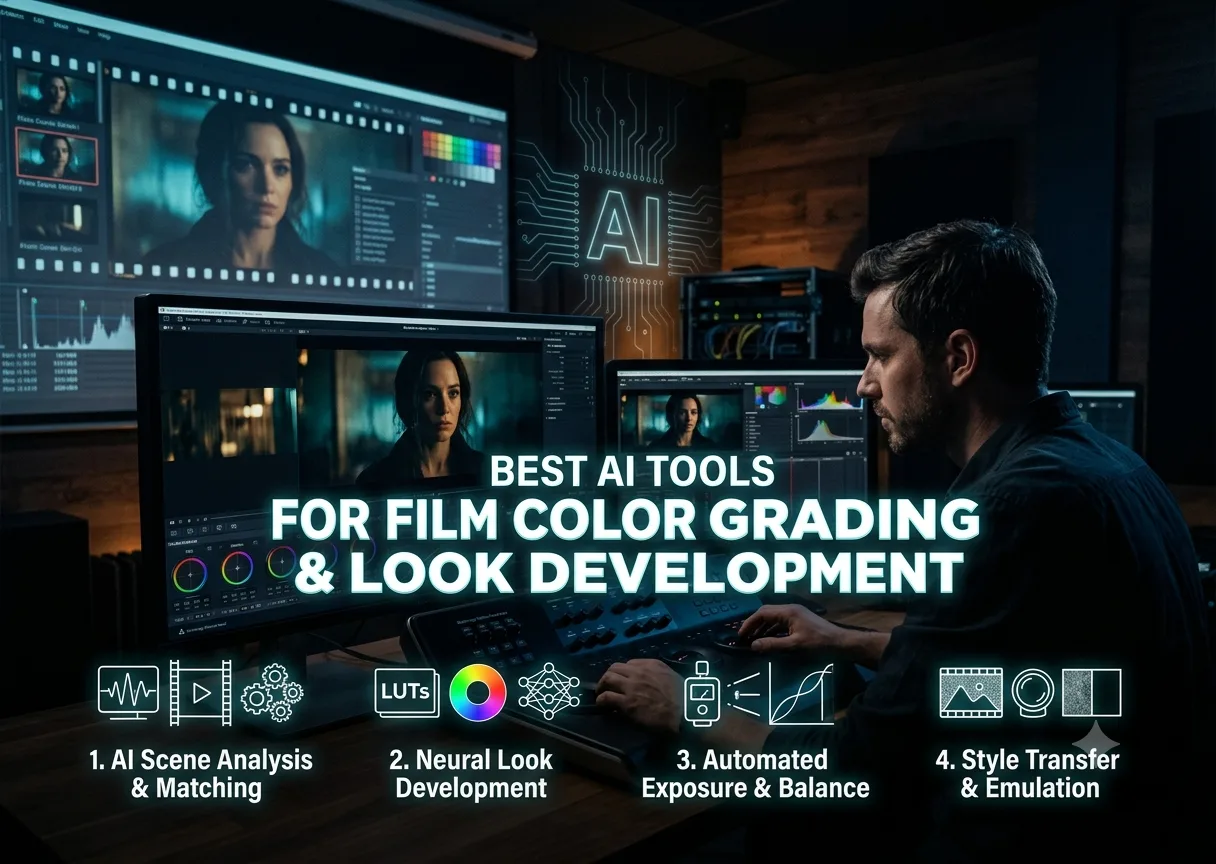
Color work on a real project splits into two genuinely different jobs, and confusing them is where most AI color tools get misused. Correction is the technical pass, balancing exposure, matching shots, neutralizing color casts, so the footage is consistent and usable. Look development is the creative pass, deciding what the project should actually feel like, the orange-teal push of a modern action film, the warm grain of a period piece, the cold desaturation of a thriller. AI has gotten genuinely good at the first job. The second one still needs a human decision behind it, even when AI tools help execute it faster.
Tool | Best for | Correction or look development | Starting price |
|---|---|---|---|
invideo agent | Generating footage with a look already applied and held consistent from the start | Look development, built into generation | $17/month; team and enterprise options available |
DaVinci Resolve | The industry-standard free NLE with genuinely deep AI color tools | Both, in one node-based system | Free; Studio version paid |
Colourlab AI | Fast, automated shot matching across large projects | Correction, with Neural Looks for style | $249/year (Creator) |
Fylm.ai | Emulating the response curve of a specific classic film stock | Look development | Credit-based |
PFA Color Suite | Scene-aware correction that understands faces, skies, and skin tones | Correction, with creative control retained | $299 one-time or $19.99/month |
Imagen Video | Frame-by-frame correction through difficult, changing lighting | Correction | Subscription-based |
FilmConvert | Repeatable 3D LUT generation for a consistent house look | Look development | Subscription-based |
Adobe Premiere Pro (Lumetri) | AI-assisted correction inside an editing timeline already in use | Both, via Sensei-powered Lumetri Color | Included with Creative Cloud |
ArtNovaAI | Generating concept stills in a specific, named cinematic color language | Look development, for concept and mood | Free commercial license included |
3D LUT Creator | Building custom, exportable 3D LUTs for cross-platform look application | Look development | Subscription-based |
Most tools on this list apply a look to footage that already exists. invideo agent builds the look in from the start: because a project's visual style is held in a persistent context engine, every shot generated within that project shares the same established color identity rather than needing correction or grading afterward. The platform routes each shot to whichever of its 200+ integrated models fits that particular moment, including Veo 3.1, Sora 2, Kling 3.0, Seedance 2.0, Runway, PixVerse, Hailuo, WAN, Recraft, GPT Image 2.0, and Nano Banana, and Camera Controls let a director pair a specific camera move with the mood that move is meant to serve.
Best for: projects where the look needs to be established and held consistent across generated footage from the outset, rather than corrected or matched after the fact.
Where it falls short: it doesn't correct or grade existing, already-shot footage, so a production working from real camera footage still needs a dedicated color tool like DaVinci Resolve or Colourlab AI for that pass.
Pricing: plans start at $17/month, with team and enterprise options also available.
DaVinci Resolve remains the reference point for AI-assisted color, and its Neural Engine now handles genuinely complex tasks: Shot Match analyzes a clip's actual metadata, including lens type and sensor data, to produce an accurate starting grade, while Magic Mask, face refinement, and object tracking isolate specific elements for targeted correction. Its free version, with AI Color Match and Magic Mask included, is widely considered the strongest free color tool available.
Best for: a full node-based grading workflow with genuinely powerful AI assistance, at no cost on the free tier.
Where it falls short: the node-based system has a real learning curve for anyone coming from a simpler, slider-based tool.
Pricing: free; the Studio version with additional features is a one-time paid upgrade.
Colourlab AI specializes in fast, automated correction across large volumes of footage: AI Color Match copies tones from a reference frame across clips automatically, AI Balance sets a neutral base before grading, and Region Matching targets specific areas of a frame rather than the whole image. Its Grading Intelligence engine learns a colorist's preferences over repeated projects, and reviewers who tested it against 15 interview clips shot over two days in different lighting reported it matched them in under a minute.
Best for: correcting and matching a large volume of clips, weddings, documentaries, multi-day shoots, quickly and consistently.
Where it falls short: it's a correction and matching specialist working as a plugin inside Resolve, Premiere, or Final Cut, not a standalone editor.
Pricing: Creator plan around $249/year; Professional around $499/year.
Fylm.ai is a browser-based look development tool built around two proprietary engines, NeuralFilmAI and NeuralToneAI, which use tetrahedral interpolation and a filmic density model to emulate the actual response curves of classic film stocks rather than just approximating their color with a preset filter. The result exports as a standard 3D LUT for use back inside any NLE.
Best for: developing an authentic, film-stock-accurate look rather than a generic cinematic filter.
Where it falls short: it's a look development tool that exports a LUT, not a full timeline grading system, and requires cloud upload with credit-based billing.
Pricing: credit-based.
PFA Color Suite's CinePulse AI engine performs scene-aware analysis that goes beyond exposure and white balance, identifying faces, skies, skin tones, and environmental elements to make context-specific correction decisions while leaving creative control with the colorist.
Best for: professional colorists who want AI assistance with correction decisions without losing manual creative control over the final look.
Where it falls short: it's a correction-focused assistant layered onto an existing NLE workflow rather than a full standalone grading environment.
Pricing: $299 one-time or $19.99/month.
Imagen's frame-by-frame correction, extended from its photo-editing roots, keeps color balanced through genuinely difficult, changing lighting conditions, a sunset, a subject moving through shadow, which has made it a particular favorite among wedding videographers handling thousands of frames across varying environments.
Best for: correcting footage shot in changing or difficult lighting conditions across a large volume of frames.
Where it falls short: it's a correction specialist extended from photo editing, not a tool built around developing an original cinematic look.
Pricing: subscription-based.
FilmConvert focuses on repeatable 3D LUT generation specifically for applying a consistent, film-emulated house look across an entire project, exporting LUTs that carry the same look across multiple tools in a pipeline.
Best for: applying one consistent, exportable house look across a project or a studio's whole output.
Where it falls short: it's a look-application tool built around LUTs rather than a scene-aware correction system.
Pricing: subscription-based.
Adobe has built Sensei AI deeper into the Lumetri Color panel, giving an editor AI-assisted correction inside the same timeline used for the rest of the edit, which matters for a workflow that doesn't want to round-trip footage to a separate grading application.
Best for: AI-assisted correction inside an editing timeline already in active use, without switching applications.
Where it falls short: its color tools are less specialized than a dedicated grading system like Resolve or Colourlab AI for a project with genuinely demanding color needs.
Pricing: included with a Creative Cloud subscription.
ArtNovaAI generates concept and mood stills in named, specific cinematic color language, the orange-teal grade of a modern action film, the cold clinical blue of a sci-fi thriller, which is useful for establishing a look's direction before a single frame of the actual project is graded.
Best for: developing and communicating a project's intended color direction through concept imagery before production begins.
Where it falls short: it generates stills for concept and reference, not a grading tool applied to actual project footage.
Pricing: free commercial license included on every plan.
3D LUT Creator is built around generating custom, precise 3D LUTs that carry a developed look consistently across whatever tools a pipeline uses downstream, from a colorist's initial grade through to final delivery.
Best for: building precise, custom 3D LUTs for a look that needs to travel consistently across multiple tools in a pipeline.
Where it falls short: it's a LUT-creation specialist rather than a full grading environment with timeline context.
Pricing: subscription-based.
Yes, on a couple of these platforms. invideo agent generates footage with a project's look already built in via its persistent context engine, and ArtNovaAI generates concept stills in a specific, named cinematic color language to establish and communicate a look's direction before production begins.
Yes. DaVinci Resolve's free version includes AI Color Match and Magic Mask and is widely considered the strongest free color tool available, running locally with no subscription required.
Colourlab AI is built specifically for this, with AI Color Match and Region Matching automatically aligning tones across clips, and reviewers report it matching 15 interview clips shot over two days in different lighting in under a minute.
Not for look development. AI has gotten reliably good at correction, balancing, matching, and neutralizing footage, which used to consume hours of manual work. But deciding what a brand or project should feel like, the actual creative direction, remains a human decision that tools like Colourlab AI's Neural Looks or FilmConvert's LUTs help execute rather than replace.
Correction is the technical pass: balancing exposure, matching shots, and neutralizing color casts so footage is consistent and usable. Look development is the creative decision about what a project should feel like emotionally, which a LUT or a trained look can help execute but which still requires a human creative choice behind it.

Explore the best AI tools for students for research in 2026. This comprehensive guide compares leading AI research assistants, academic search tools, literature review platforms, and citation managers, helping you find credible sources, summarise research papers, organise references, and complete academic projects faster, smarter, and with greater confidence.
Read More
Protecting your online accounts starts with choosing the right password manager. With cyber threats becoming more sophisticated, a reliable password manager helps you generate, store, and manage strong passwords securely. In this guide, you'll learn the essential features to look for, including encryption, cloud backup, password generation, multi-device compatibility, and data recovery options, so you can confidently select a solution that keeps your sensitive information safe.
Read More
Discover the 15 best AI video generator tools in 2026, including both free and paid platforms for creators, marketers, businesses, and educators. This comprehensive comparison covers features, pricing, pros, cons, and ideal use cases for leading tools like Google Veo 3, OpenAI Sora, Runway Gen-4, Synthesia, HeyGen, Canva AI Video, and more. Whether you need realistic text-to-video generation, AI avatars, or social media video creation, this guide helps you choose the right AI video generator for your workflow.
Read More
Maintaining the same voice across multiple scenes, episodes, or translated videos is essential for creating professional, immersive content. This guide reviews the 8 best AI tools for voice and audio consistency, comparing their voice-cloning quality, multilingual capabilities, pricing, and ideal use cases. Whether you're producing marketing videos, podcasts, audiobooks, or branded content, these platforms help keep narration natural and consistent from start to finish, making it easier to build audience trust and deliver a seamless viewing and listening experience.
Read MoreGet into details now? View all posts